【教学类-133-01】20260309狮虎旗(井字棋)01豆包初稿HTML+ CSS + JavaScript
·
、
20260324狮虎旗html+希沃白板测试
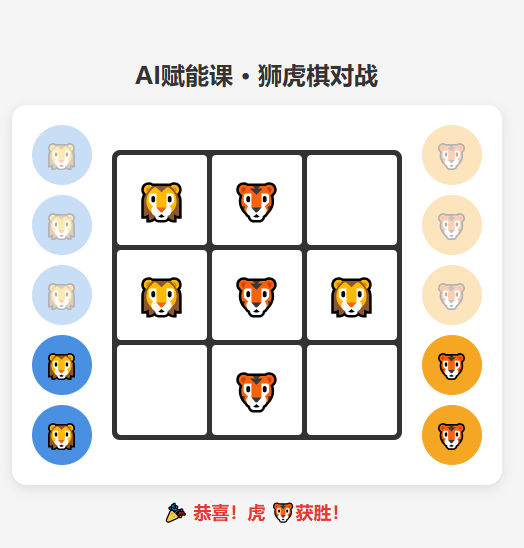
背景需求
同事问能不能做一个iPad版的狮虎旗
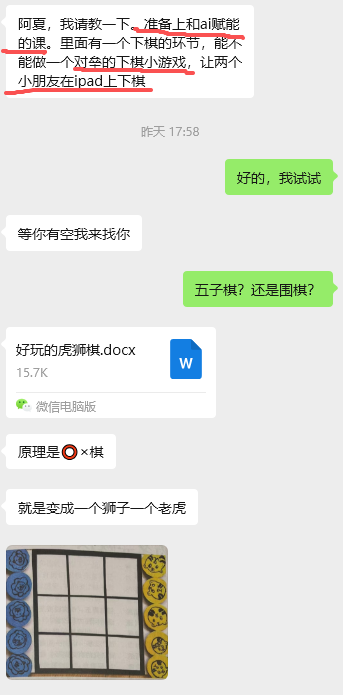
我没看懂圈叉棋是什么意思,但是看图片,就是那种“谁先在横向竖向斜向连成3个图案就赢的棋子”
这是什么棋子?问问豆包
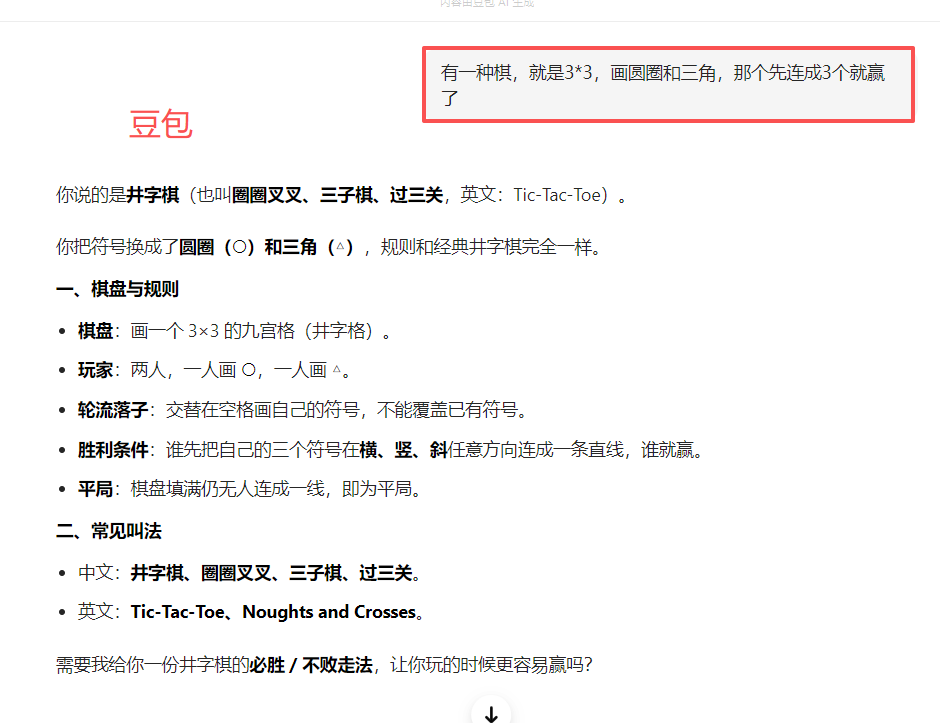
原来名字叫“井字棋”(“圆圈”替换成“狮子”、“叉”替换成“老虎”)
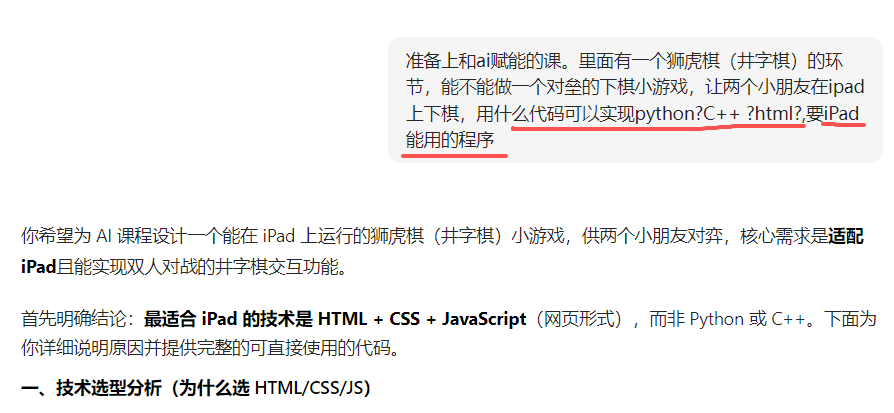
它推荐的代码是html(网页形式)
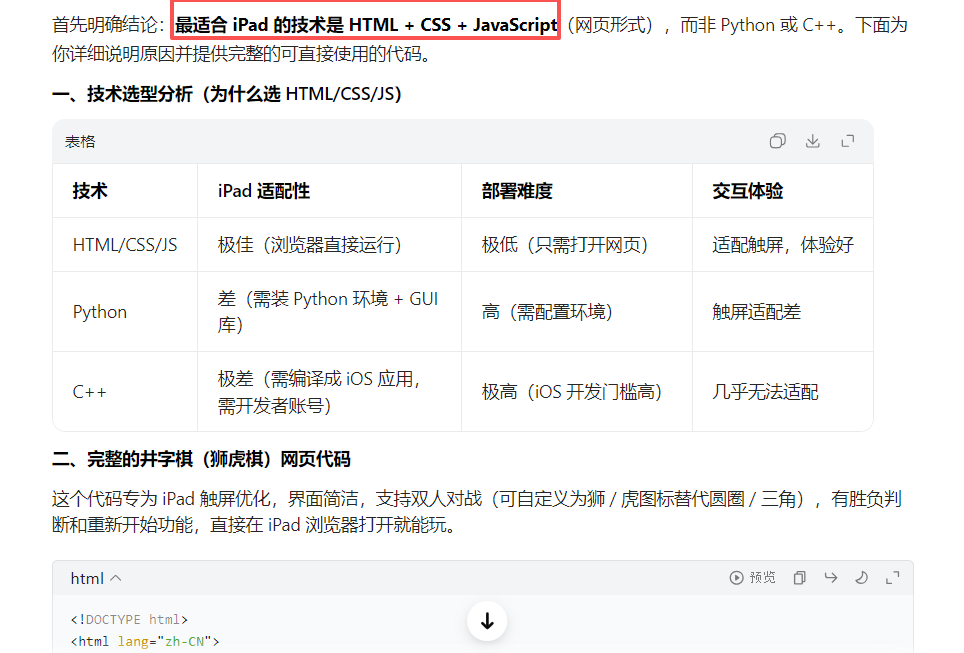
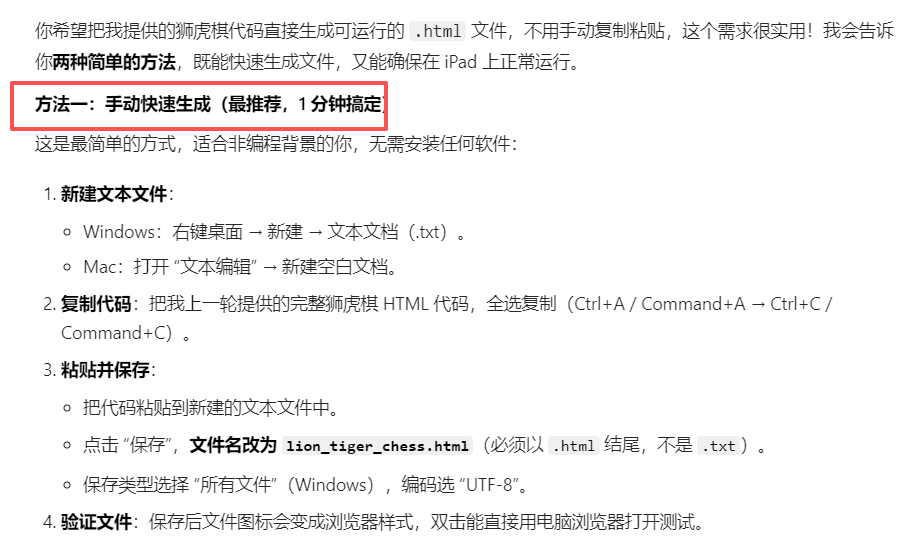
把html复制到TXT里,复制一份TXT,把TXT后缀名改成html
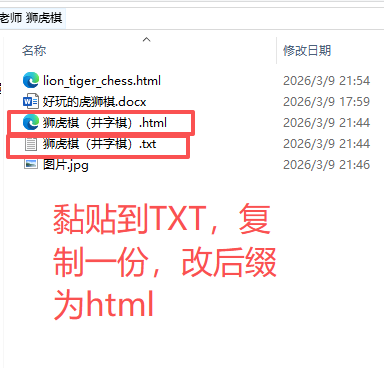
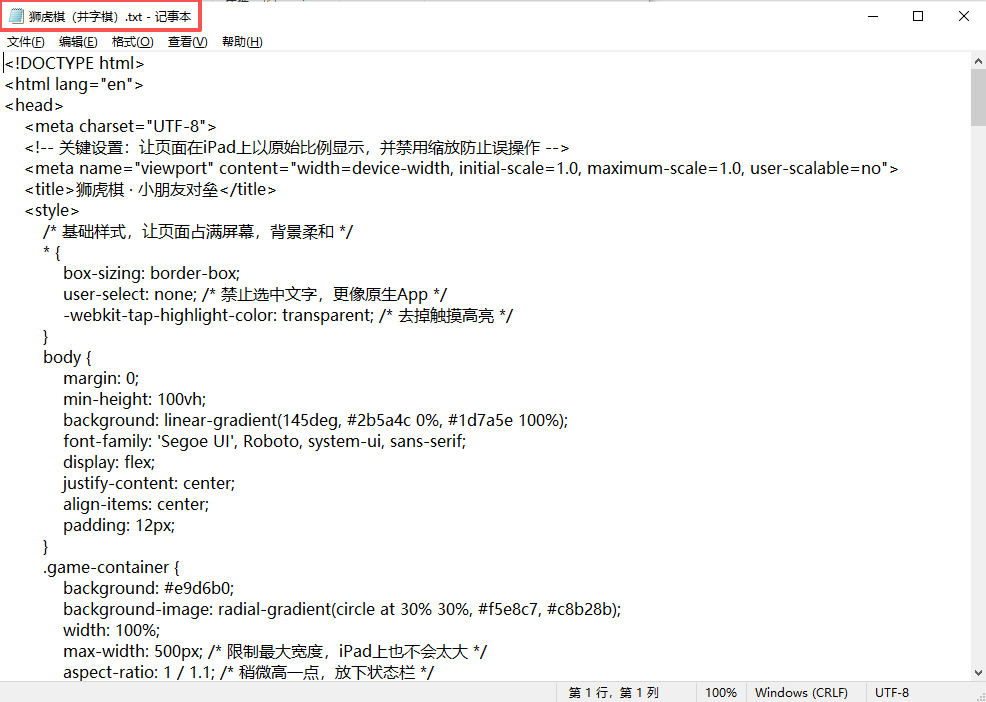
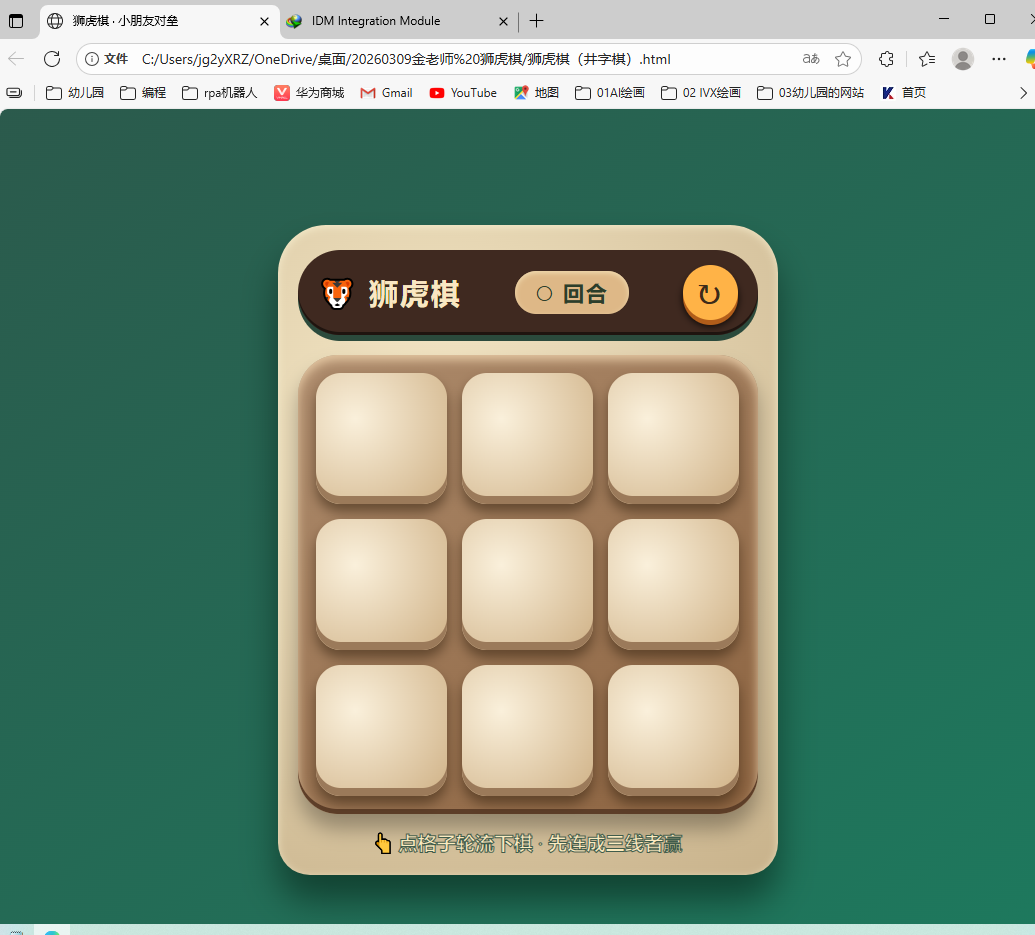
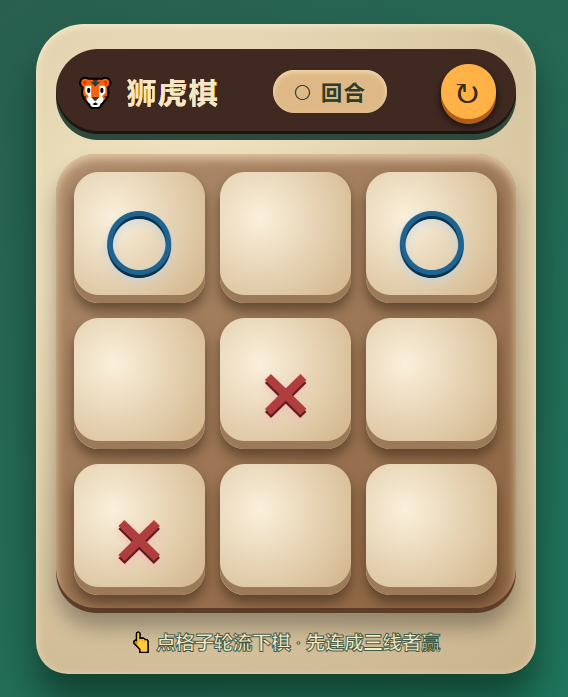
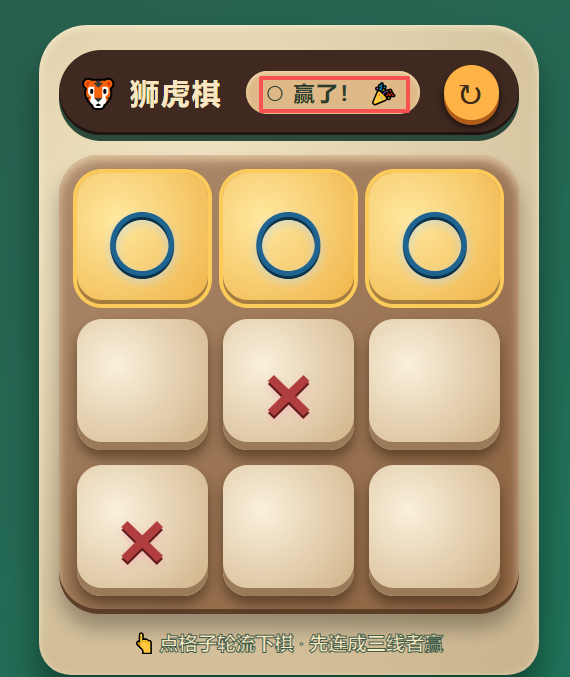
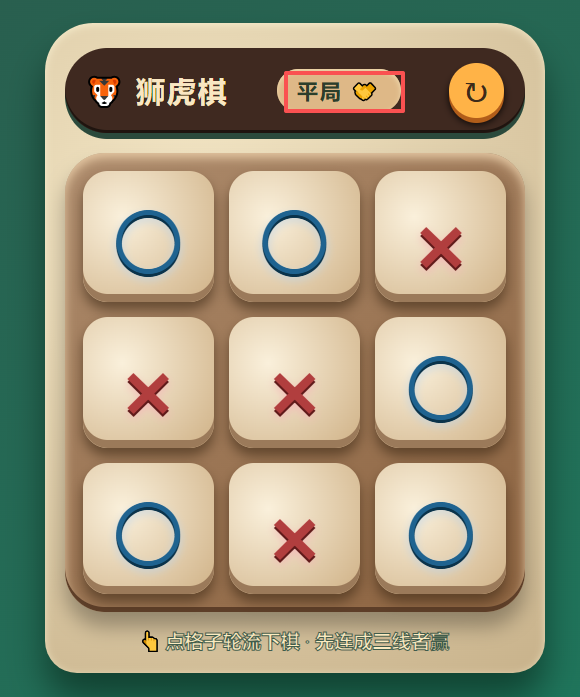
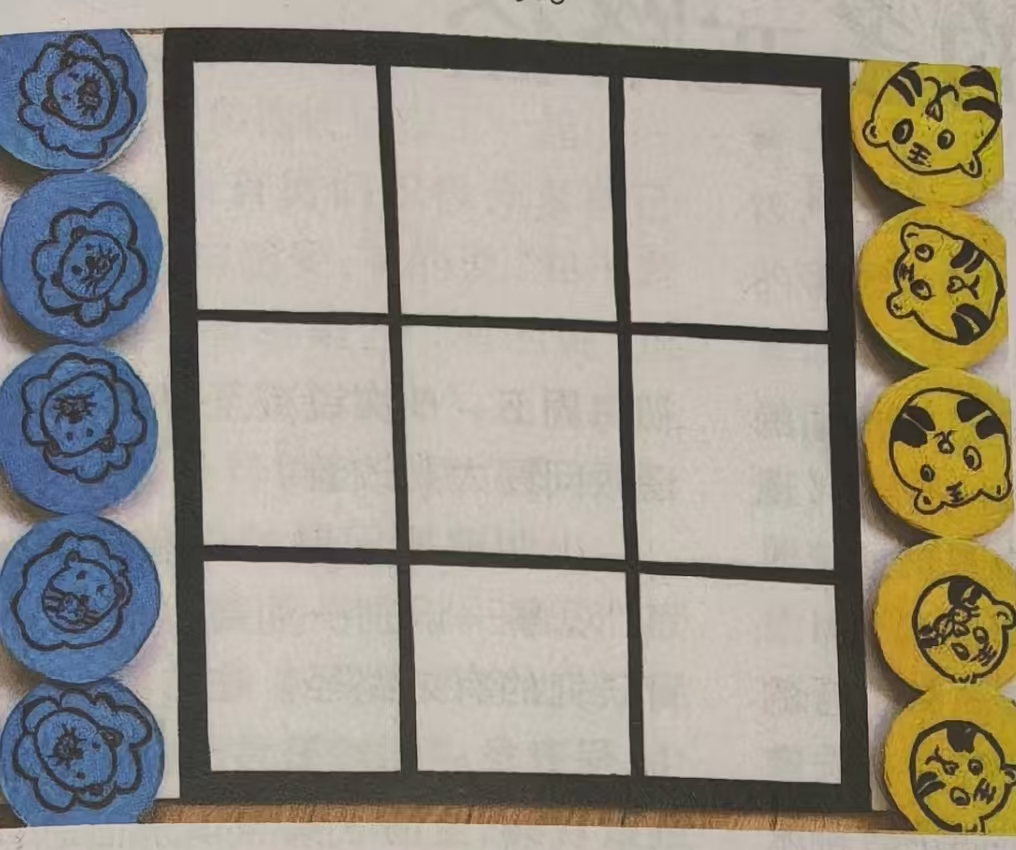
虽然可以运行了,但是图案没有换成狮子和老虎,另外我希望棋子也显示在棋盘左右两侧
把棋盘图片上传,供豆包做参考(只有豆包可以识图,Deepseek不可以)
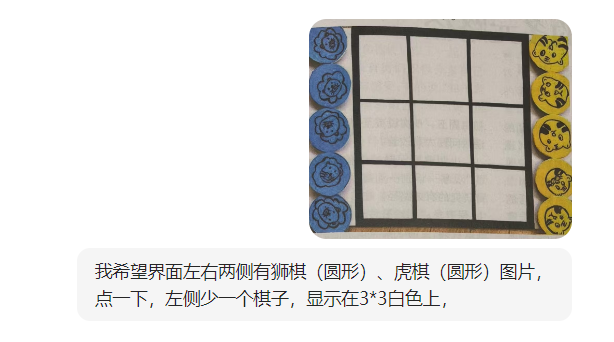
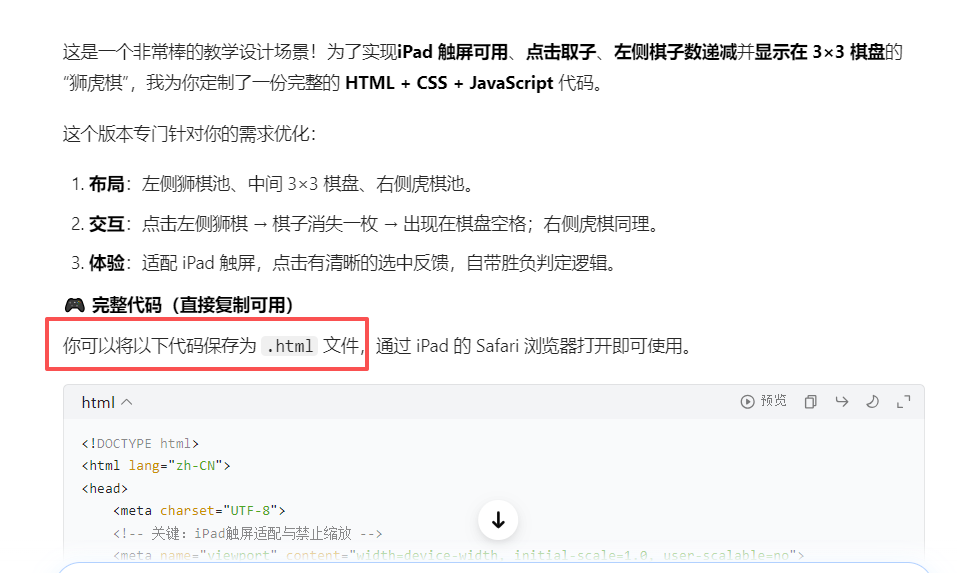
这又是一个html,需要手动新建TXT,复制内容,复制TXT再改成html后缀名。
是否可以直接生成html?
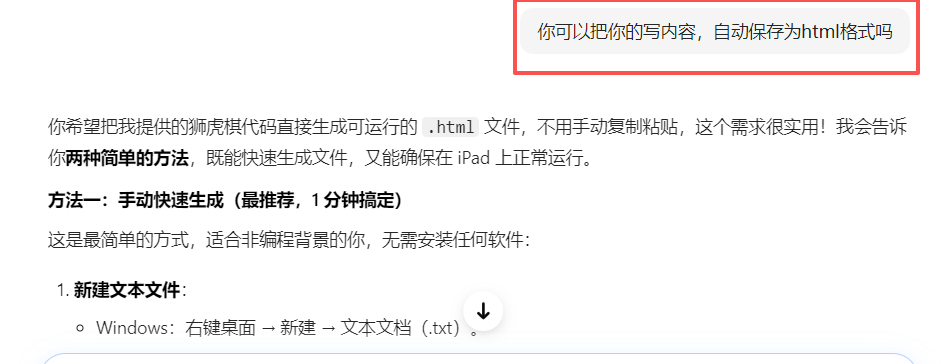
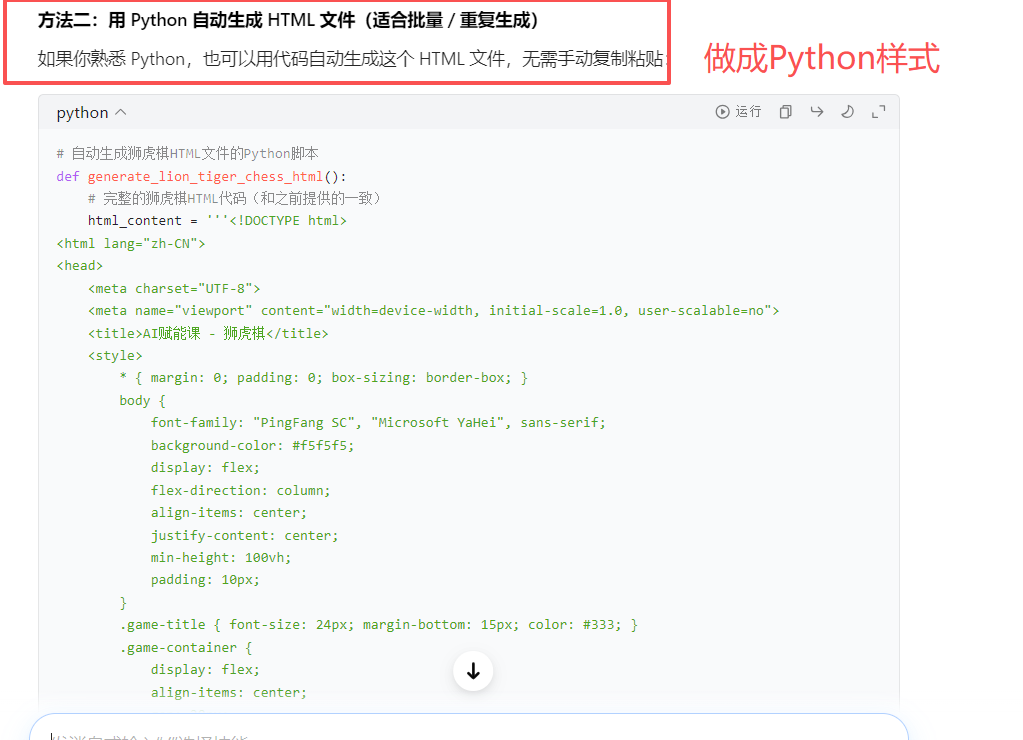
'''
准备上和ai赋能的课。里面有一个下棋的环节,能不能做一个对垒的下棋小游戏,让两个小朋友在ipad上下棋
金老师 狮虎旗(井字棋)!HTML+ CSS + JavaScript
全部豆包制作 阿夏就改了文件保存的地址
20260309
'''

# 自动生成狮虎棋HTML文件的Python脚本
def generate_lion_tiger_chess_html():
    # 完整的狮虎棋HTML代码(和之前提供的一致)
    html_content = '''<!DOCTYPE html>
<html lang="zh-CN">
<head>
    <meta charset="UTF-8">
    <meta name="viewport" content="width=device-width, initial-scale=1.0, user-scalable=no">
    <title>AI赋能课 - 狮虎棋</title>
    <style>
        * { margin: 0; padding: 0; box-sizing: border-box; }
        body {
            font-family: "PingFang SC", "Microsoft YaHei", sans-serif;
            background-color: #f5f5f5;
            display: flex;
            flex-direction: column;
            align-items: center;
            justify-content: center;
            min-height: 100vh;
            padding: 10px;
        }
        .game-title { font-size: 24px; margin-bottom: 15px; color: #333; }
        .game-container {
            display: flex;
            align-items: center;
            gap: 20px;
            background: #fff;
            padding: 20px;
            border-radius: 15px;
            box-shadow: 0 4px 12px rgba(0,0,0,0.1);
        }
        .piece-pool {
            display: flex;
            flex-direction: column;
            gap: 10px;
        }
        .piece {
            width: 60px;
            height: 60px;
            border-radius: 50%;
            display: flex;
            align-items: center;
            justify-content: center;
            font-size: 24px;
            color: white;
            cursor: pointer;
            transition: transform 0.1s, opacity 0.1s;
            touch-action: manipulation;
        }
        .piece.lion { background-color: #4A90E2; }
        .piece.tiger { background-color: #F5A623; }
        .piece:active { transform: scale(0.9); }
        .piece.disabled { opacity: 0.3; cursor: not-allowed; transform: none; }
        #board {
            display: grid;
            grid-template-columns: repeat(3, 90px);
            grid-template-rows: repeat(3, 90px);
            gap: 5px;
            background: #333;
            padding: 5px;
            border-radius: 8px;
        }
        .cell {
            background: #fff;
            border-radius: 4px;
            display: flex;
            align-items: center;
            justify-content: center;
            font-size: 36px;
            cursor: pointer;
            transition: background 0.2s;
        }
        .cell:hover { background: #f0f0f0; }
        #status { margin-top: 15px; font-size: 18px; color: #333; }
        .win-text { color: #E53935; font-weight: bold; }
    </style>
</head>
<body>
    <h1 class="game-title">AI赋能课 · 狮虎棋对战</h1>
    <div class="game-container">
        <div class="piece-pool" id="lionPool">
            <div class="piece lion" data-type="lion">🦁</div>
            <div class="piece lion" data-type="lion">🦁</div>
            <div class="piece lion" data-type="lion">🦁</div>
            <div class="piece lion" data-type="lion">🦁</div>
            <div class="piece lion" data-type="lion">🦁</div>
        </div>
        <div id="board"></div>
        <div class="piece-pool" id="tigerPool">
            <div class="piece tiger" data-type="tiger">🐯</div>
            <div class="piece tiger" data-type="tiger">🐯</div>
            <div class="piece tiger" data-type="tiger">🐯</div>
            <div class="piece tiger" data-type="tiger">🐯</div>
            <div class="piece tiger" data-type="tiger">🐯</div>
        </div>
    </div>
    <div id="status">玩家1(狮 🦁)请落子</div>
    <script>
        const board = document.getElementById('board');
        const status = document.getElementById('status');
        const lionPool = document.getElementById('lionPool');
        const tigerPool = document.getElementById('tigerPool');
        let cells = [];
        let currentPlayer = 'lion';
        let gameOver = false;
        const winCombos = [
            [0,1,2], [3,4,5], [6,7,8],
            [0,3,6], [1,4,7], [2,5,8],
            [0,4,8], [2,4,6]
        ];
        function createBoard() {
            board.innerHTML = '';
            cells = [];
            for (let i = 0; i < 9; i++) {
                const cell = document.createElement('div');
                cell.className = 'cell';
                cell.dataset.index = i;
                cell.textContent = '';
                cell.addEventListener('click', () => placePiece(i));
                board.appendChild(cell);
                cells.push(cell);
            }
        }
        function placePiece(cellIndex) {
            if (gameOver || cells[cellIndex].textContent) return;
            const pieceType = currentPlayer;
            const piecePool = pieceType === 'lion' ? lionPool : tigerPool;
            const pieces = piecePool.querySelectorAll('.piece:not(.disabled)');
            if (pieces.length === 0) {
                status.textContent = `${pieceType === 'lion' ? '狮' : '虎'}棋已用完!`;
                return;
            }
            pieces[0].classList.add('disabled');
            cells[cellIndex].textContent = pieceType === 'lion' ? '🦁' : '🐯';
            checkWinner();
            if (!gameOver) {
                currentPlayer = currentPlayer === 'lion' ? 'tiger' : 'lion';
                status.textContent = `玩家${currentPlayer === 'lion' ? '1(狮 🦁)' : '2(虎 🐯)'}请落子`;
            }
        }
        function checkWinner() {
            for (const combo of winCombos) {
                const [a, b, c] = combo;
                const cellA = cells[a].textContent;
                const cellB = cells[b].textContent;
                const cellC = cells[c].textContent;
                if (cellA && cellA === cellB && cellA === cellC) {
                    gameOver = true;
                    const winner = cellA === '🦁' ? '狮 🦁' : '虎 🐯';
                    status.innerHTML = `<span class="win-text">🎉 恭喜!${winner}获胜!</span>`;
                    return;
                }
            }
            if ([...cells].every(cell => cell.textContent)) {
                gameOver = true;
                status.innerHTML = `<span class="win-text">🤝 平局!</span>`;
            }
        }
        createBoard();
    </script>
</body>
</html>'''

    # 将代码写入HTML文件
    with open(r'C:\Users\jg2yXRZ\OneDrive\桌面\20260309金老师 狮虎棋\lion_tiger_chess.html', 'w', encoding='utf-8') as f:
        f.write(html_content)
    print('✅ 狮虎棋HTML文件已生成!文件名:lion_tiger_chess.html')

# 执行生成函数
generate_lion_tiger_chess_html()
运行后,只有一个html,没有TXT
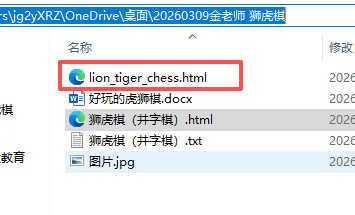
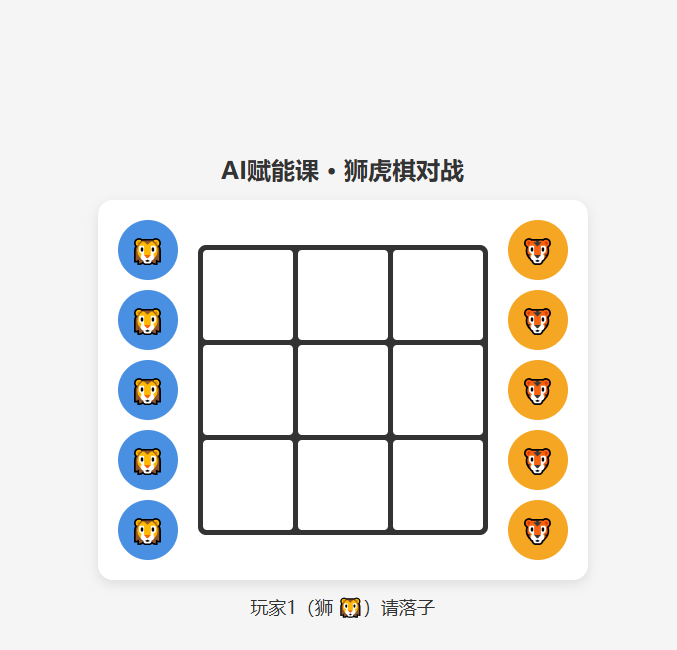
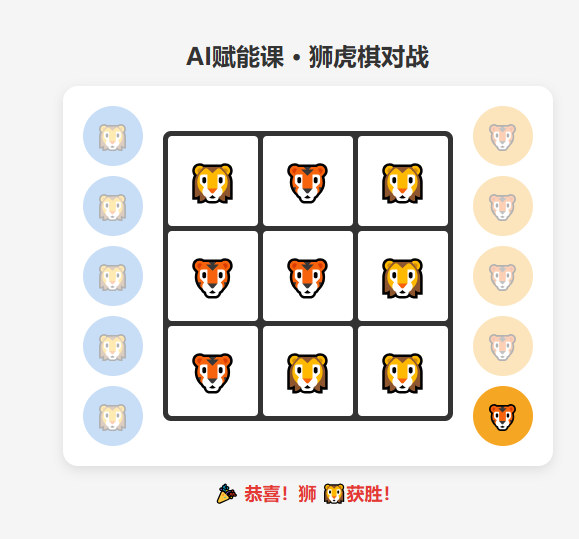
我发现没有“刷新按钮”+棋子下了,左右两侧地方最好是空白,而不是透明色。暂时不改,等客户提出建议,再用豆包写新的Python(html)
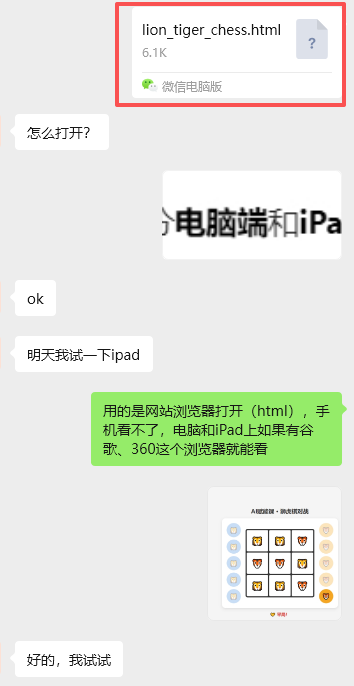
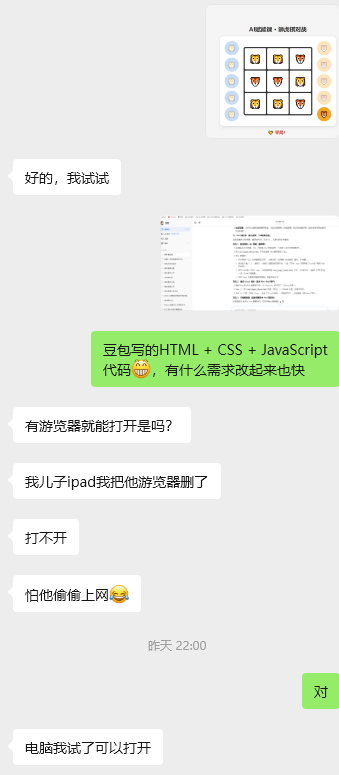
20260324
昨天总务老师来问:“新装的希沃白板电视机是否能用”
我把井字棋拿出来测试是否能用这个触屏的希沃白板来点击
第一种,HDML3:
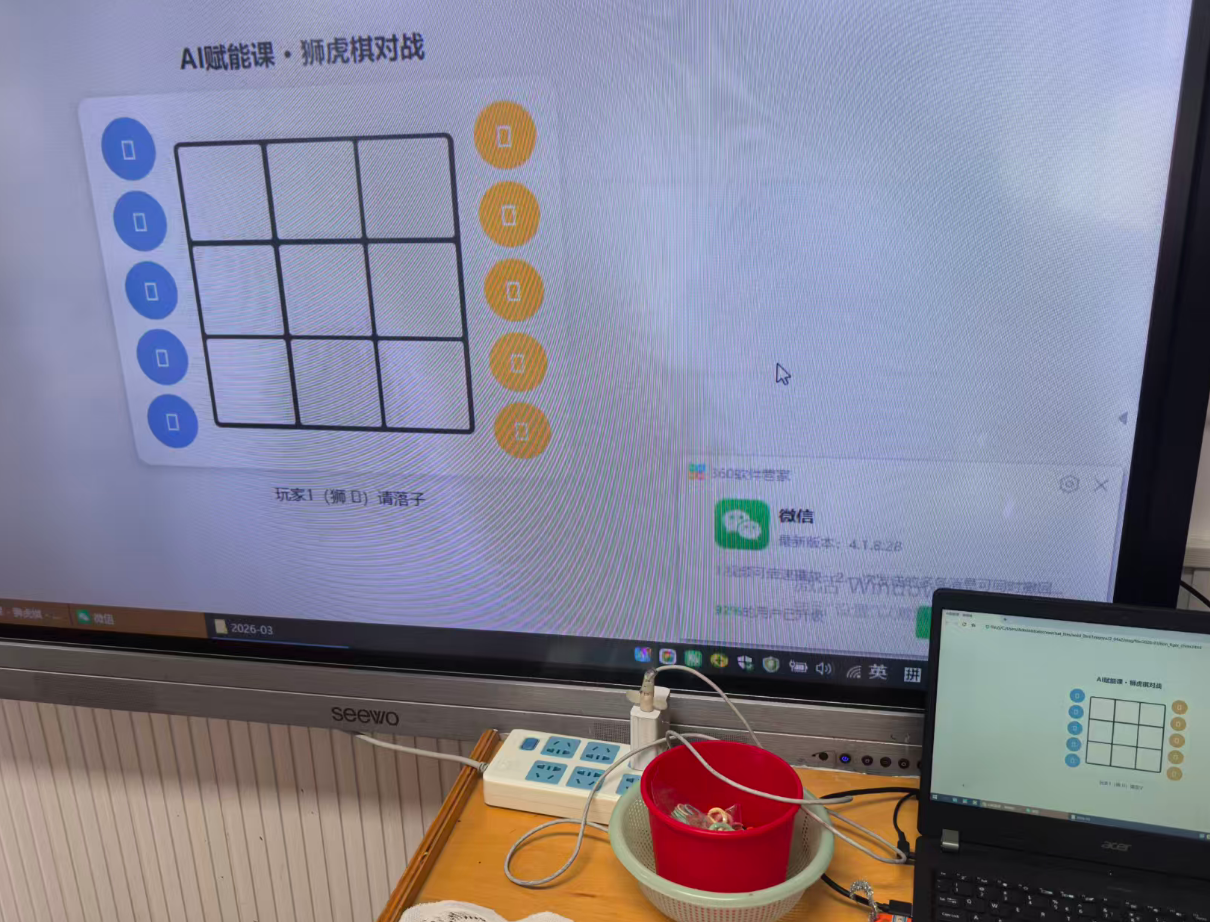
把html用微信传输到笔记本电脑内,同屏到希沃电视机上
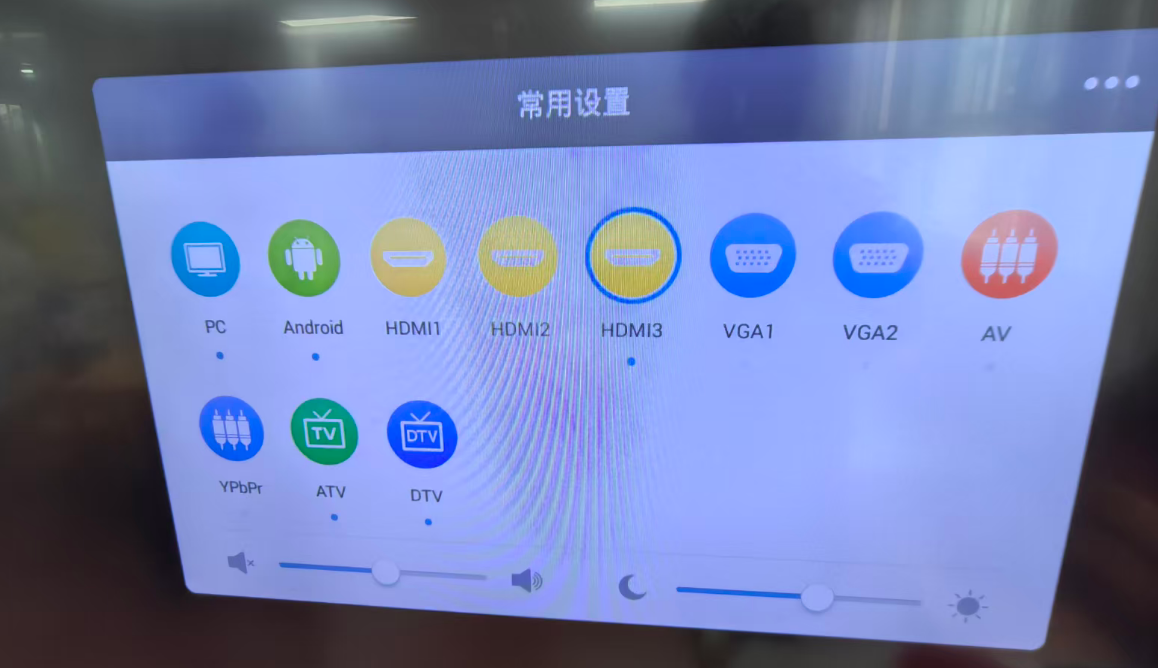
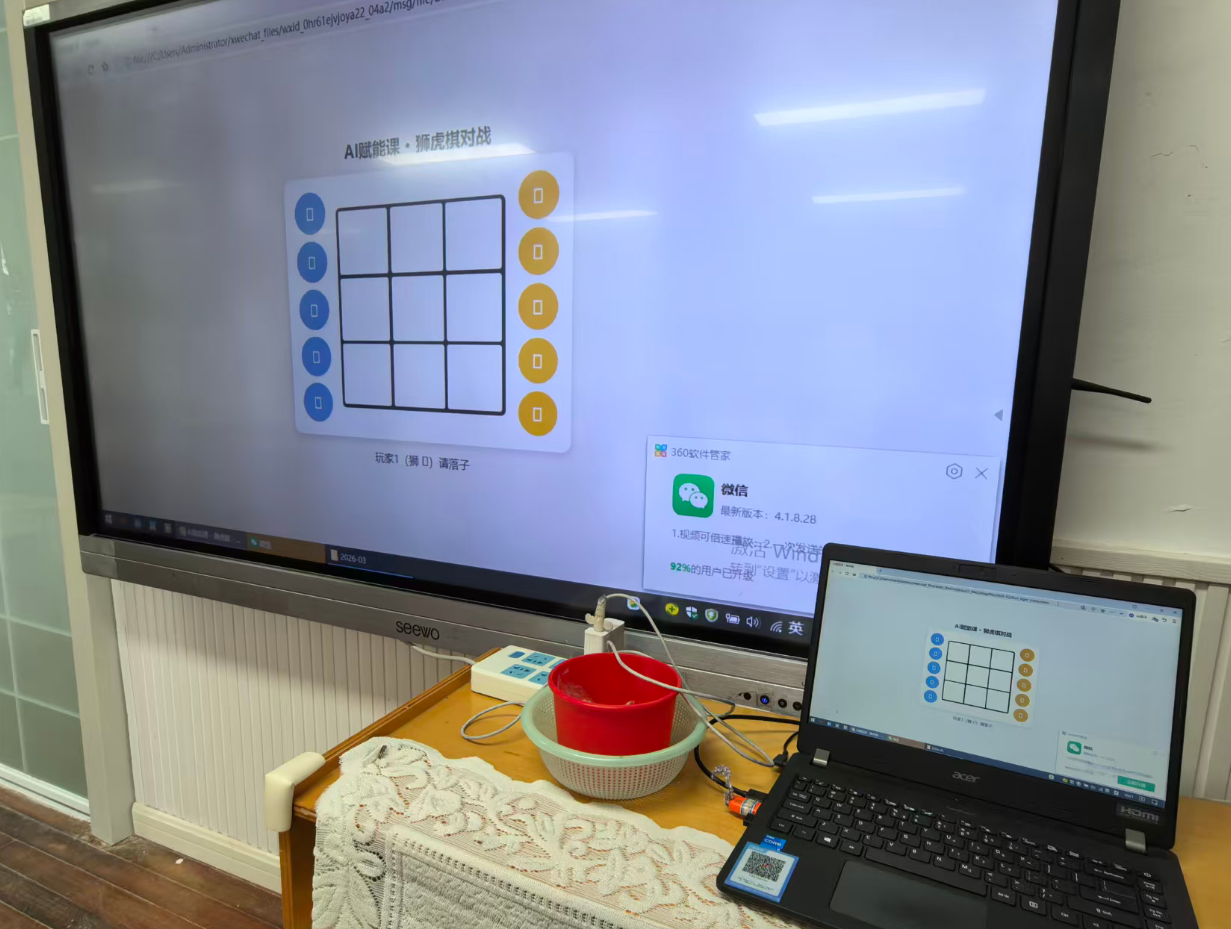
大屏幕点不了,但笔记本可以点击
第二种 PC +U盘
用U盘把html复制到希沃内
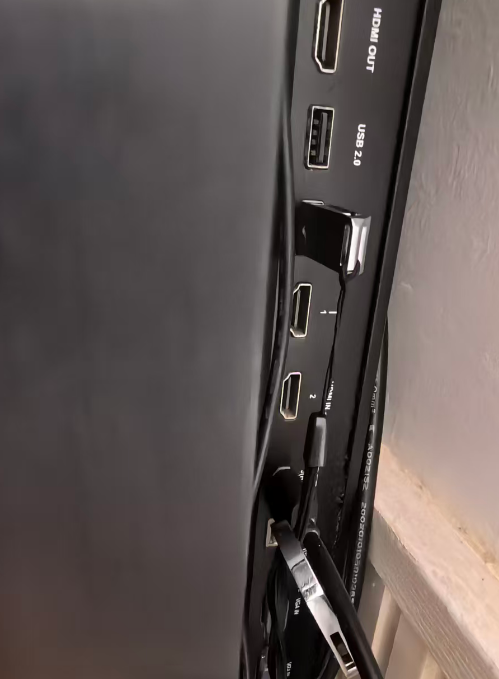
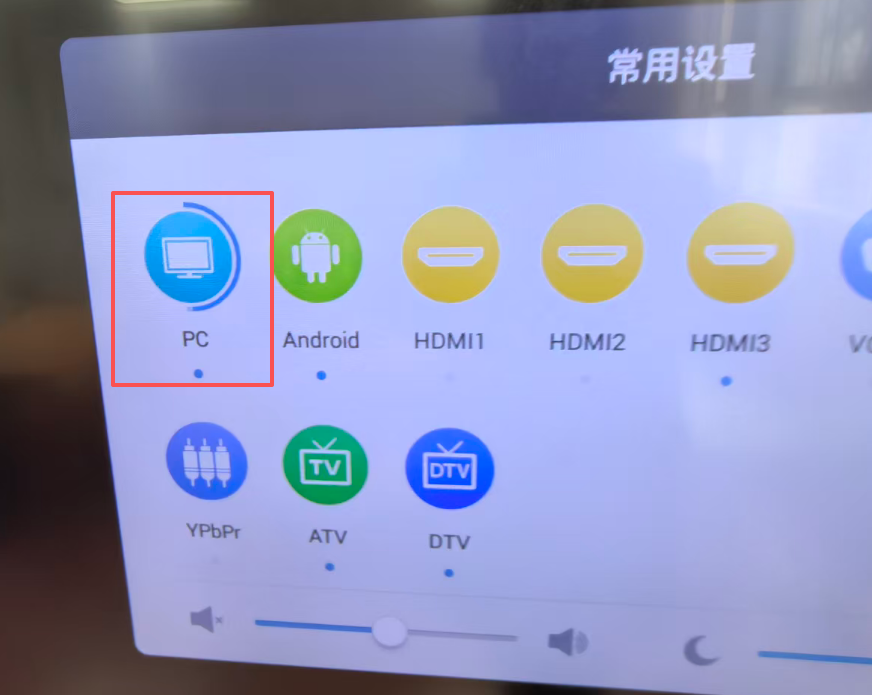
直接进入希沃白板界面,
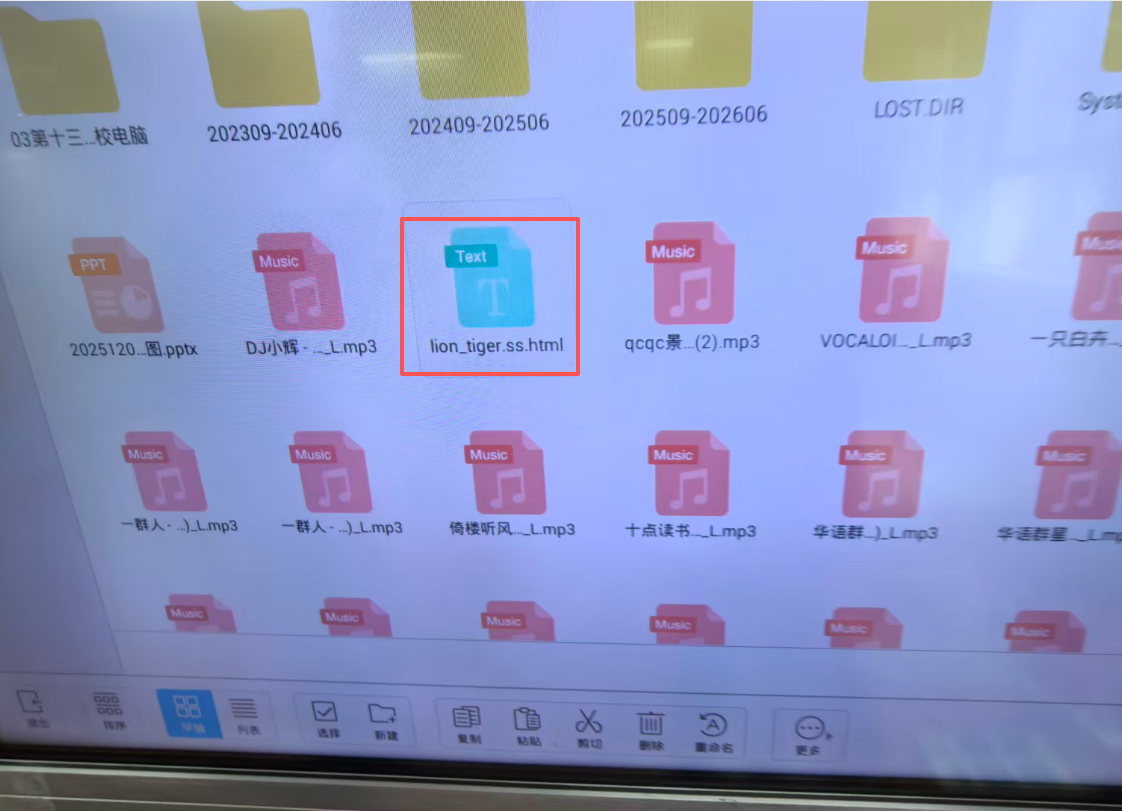 可以播放音乐,
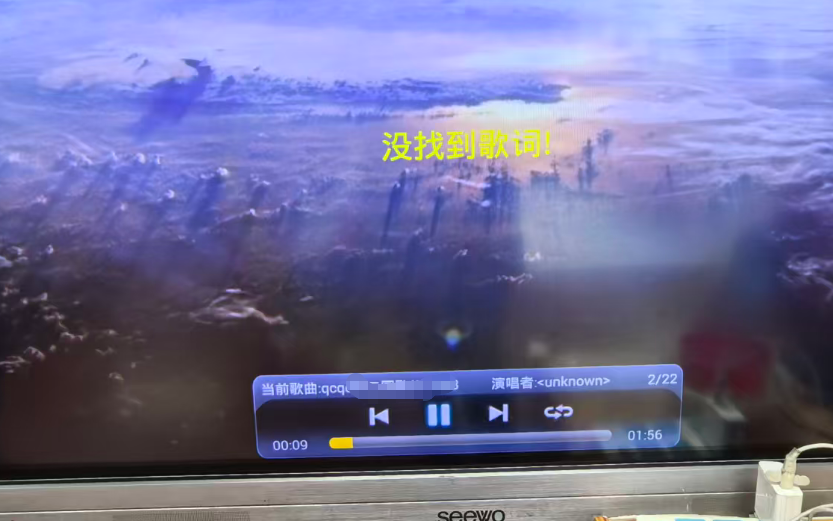 但放不了“html”因为没有网页播放器(这里是希沃界面)
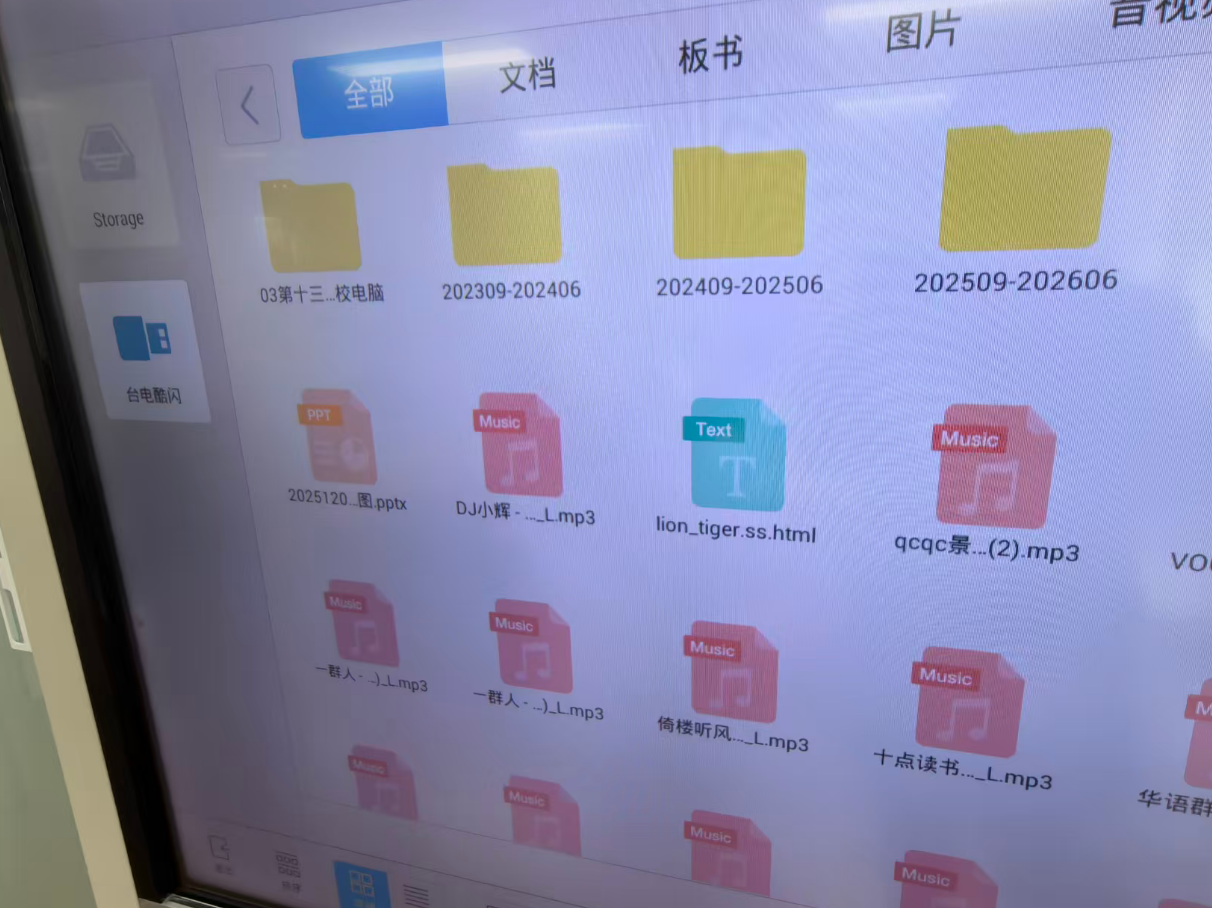
退出希沃界面,直接点击硬盘,显示看不到这个U盘
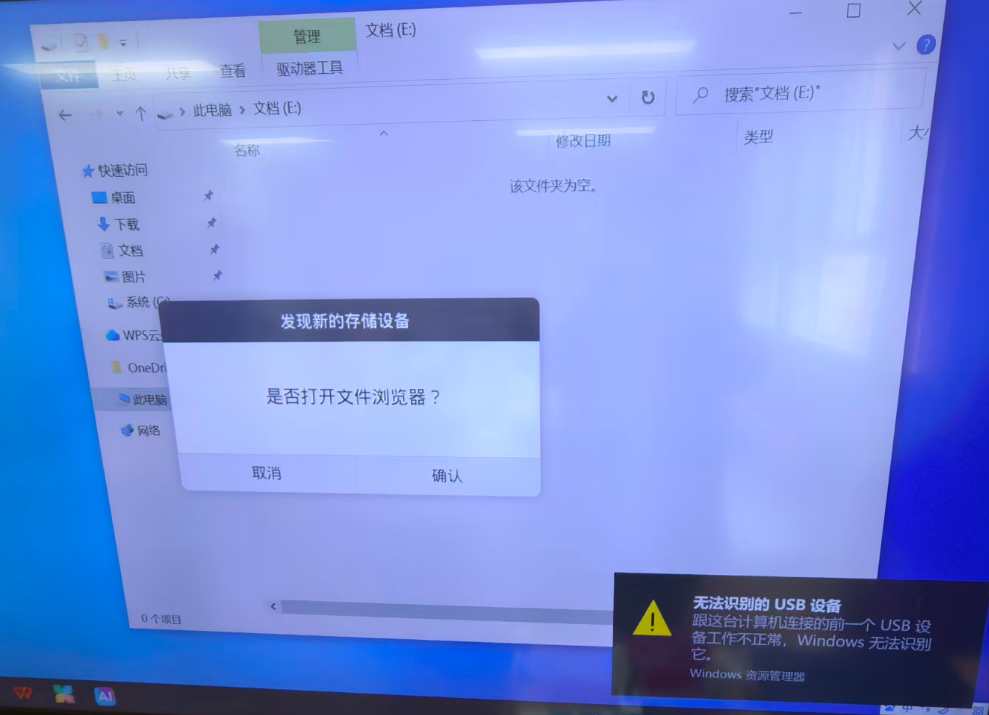
第三种 PC+微信
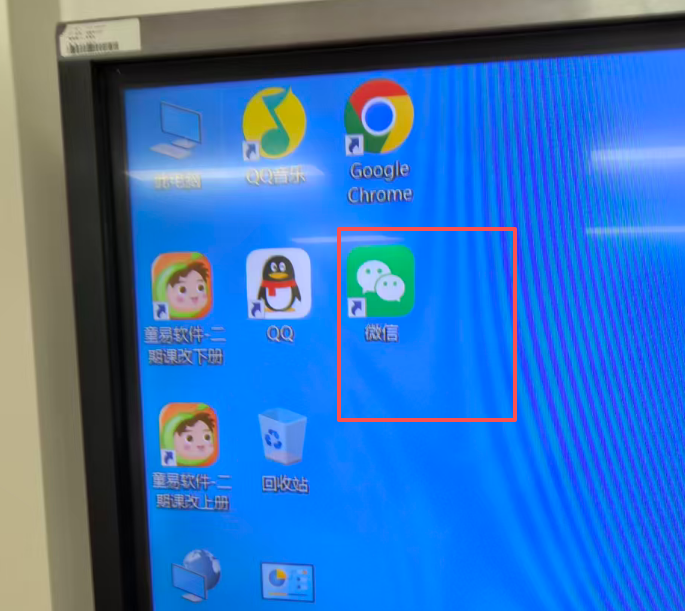
从PC端(希沃)微信里下载,使用edge播放器
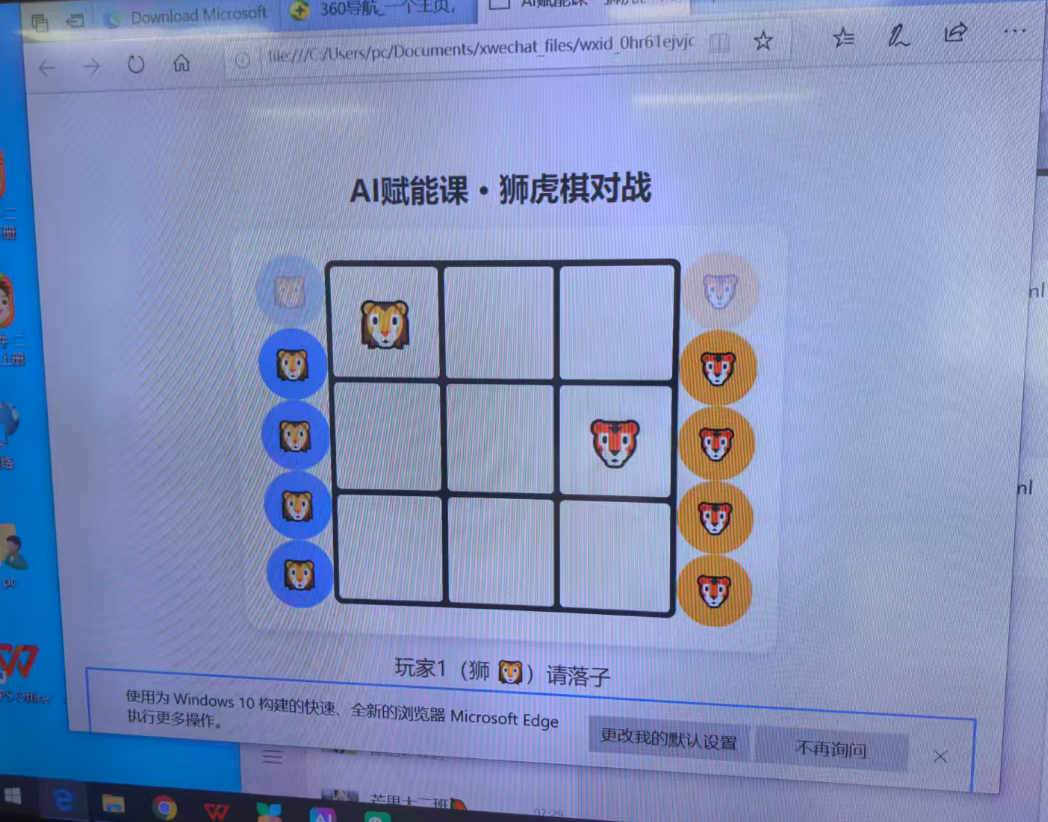
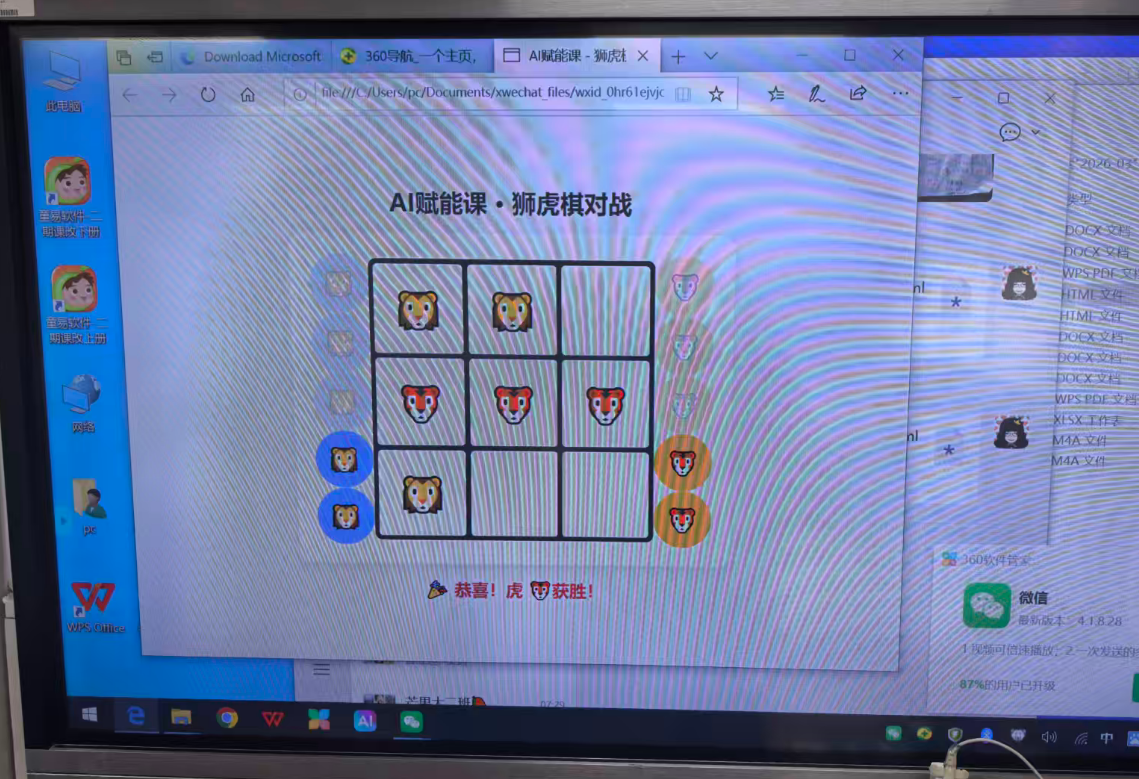
成功,有图案,可以点击
20260324狮虎旗html+希沃白板测试
存在问题
没有刷新按钮(重新比赛)没有统计

欢迎加入DeepSeek 技术社区。在这里,你可以找到志同道合的朋友,共同探索AI技术的奥秘。
更多推荐

 5
5 0
0- 0


 已为社区贡献33条内容

所有评论(0)