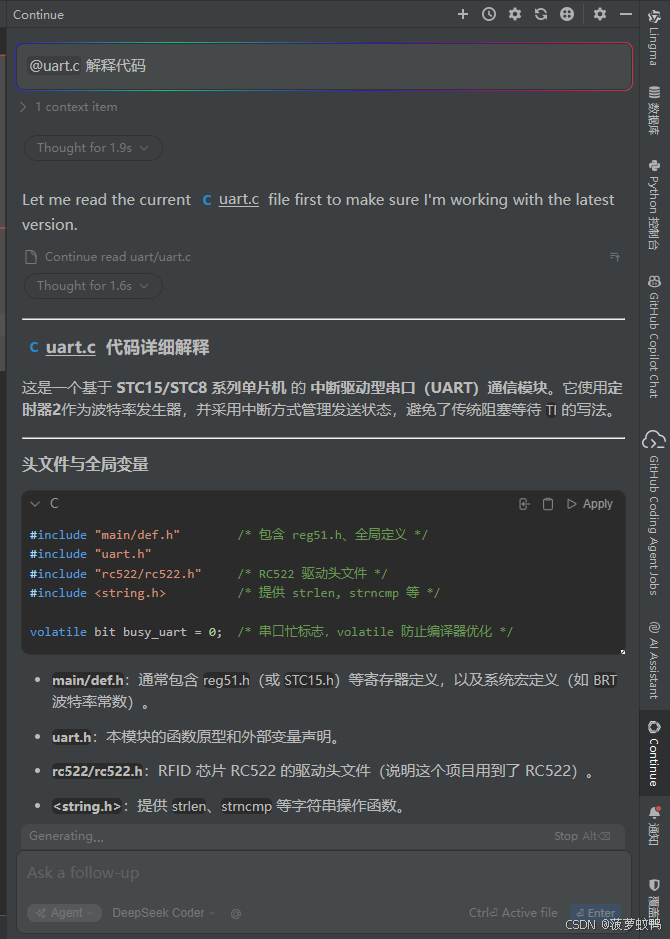
CLion 2024.1.6 安装 Continue 1.0.67 插件 Deepseek 中文乱码解决方法
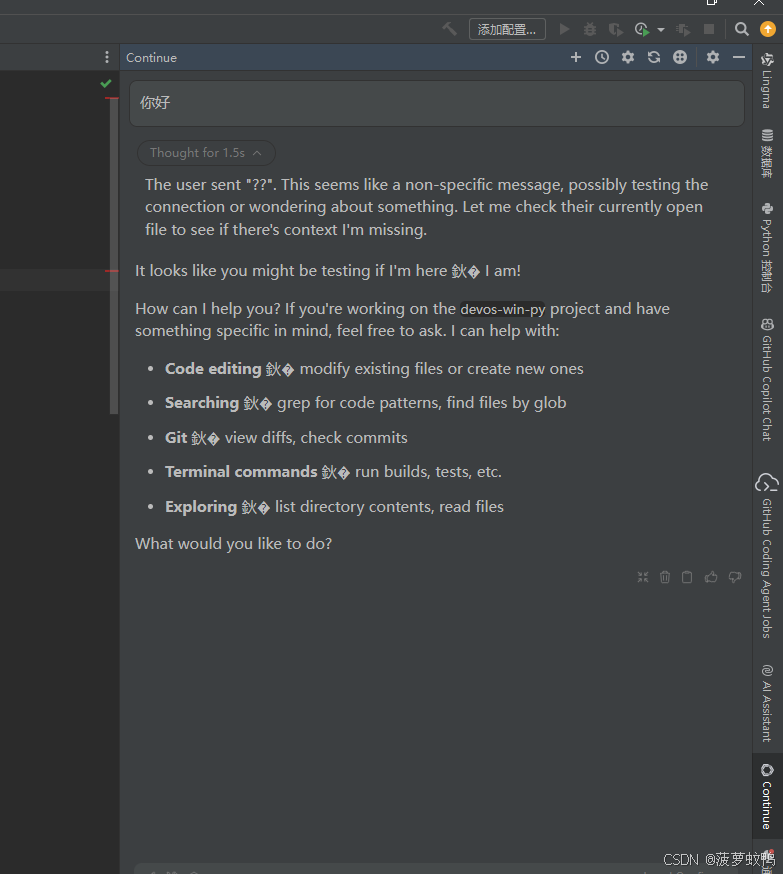
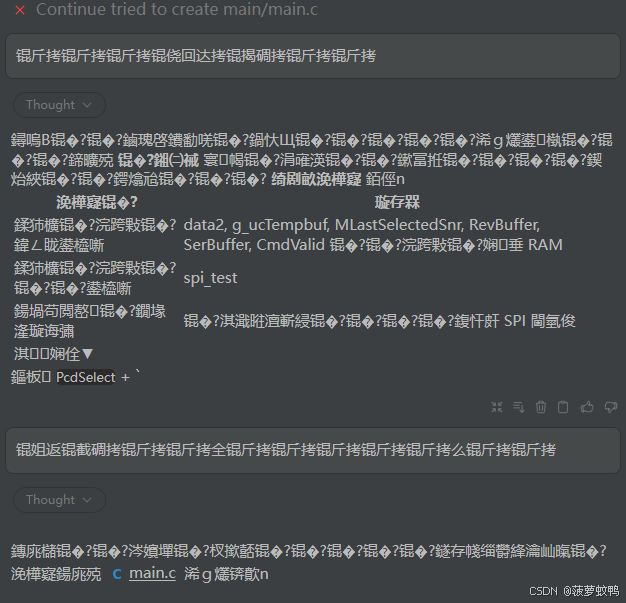
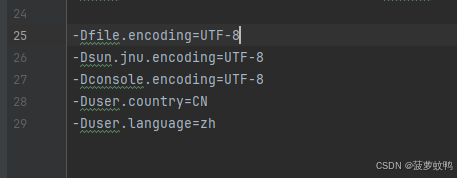
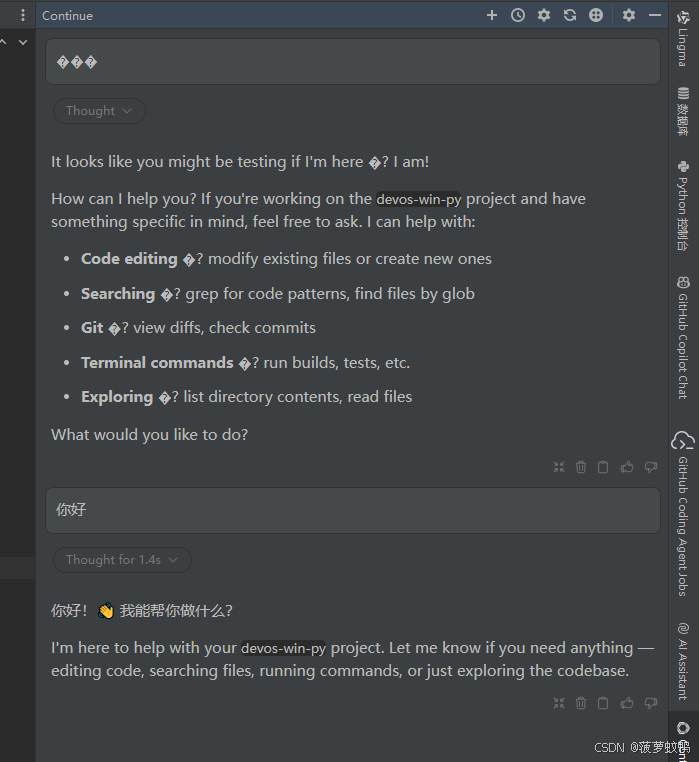
修改CLion VM选项,点击帮助—>编辑自定义虚拟机选项,添加以下配置,然后重启。再次与 Continue 对话 Deepseek 返回中文正常。输入中文正常,输出中文乱码。
·

欢迎加入DeepSeek 技术社区。在这里,你可以找到志同道合的朋友,共同探索AI技术的奥秘。
更多推荐

 0
0 0
0- 0


 已为社区贡献1条内容
修改CLion VM选项,点击帮助—>编辑自定义虚拟机选项,添加以下配置,然后重启。再次与 Continue 对话 Deepseek 返回中文正常。输入中文正常,输出中文乱码。
欢迎加入DeepSeek 技术社区。在这里,你可以找到志同道合的朋友,共同探索AI技术的奥秘。
更多推荐
0 0
已为社区贡献1条内容

所有评论(0)