Clawdbot 配置豆包1.8模型
摘要:本文介绍了Clawdbot配置中常见问题的解决方案。核心配置包括models模块(需设置豆包1.8模型参数)和agents模块(关联智能体与模型),强调baseUrl、model.id等关键参数不可修改。配置生效需替换原有节点并重启网关,特别注意将"reasoning"设为false以避免无响应问题。配置文件路径可通过Cursor和Trae工具修改。配置完成后需检查日志确
·
前言
安装好 Clawdbot 之后,按照xianyu110/clawbot: Clawdbot完整配置指南:从安装到Claude Code中转的配置一直没跑通,配置完后,Chat 对话页面一直没响应。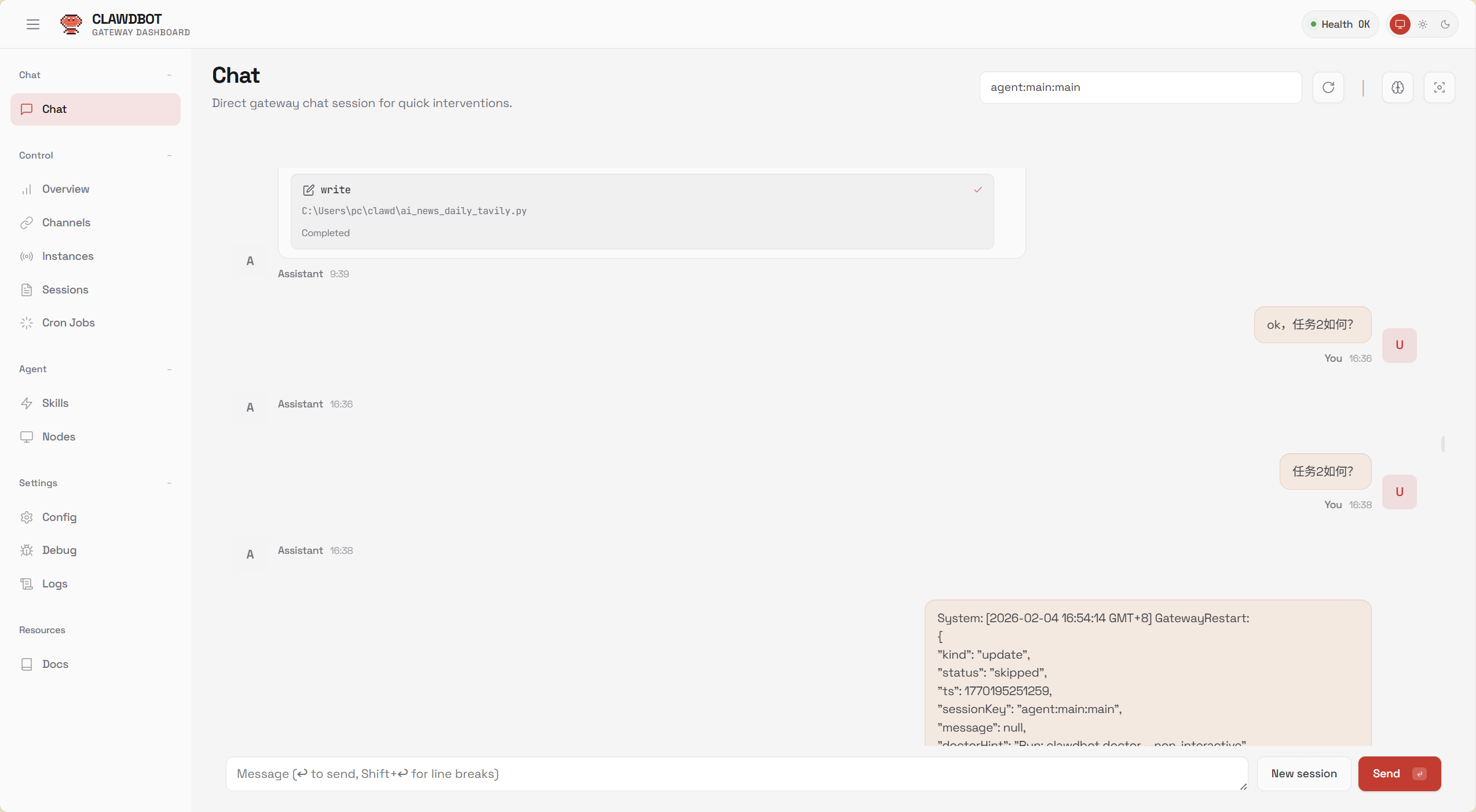
一、核心配置代码(直接复制使用)
以下仅展示 models 和 agents 模块的完整配置,其余模块(如网关、渠道)保持默认或按你的现有配置即可:
1. models 模块(豆包 1.8 模型核心配置)
"models": {
  "mode": "merge",
  "providers": {
    "doubao": {
      "baseUrl": "https://ark.cn-beijing.volces.com/api/v3",
      "apiKey": "你的豆包1.8 API Key",
      "auth": "token",
      "api": "openai-completions",
      "authHeader": true,
      "models": [
        {
          "id": "doubao-seed-1-8-251228",
          "name": "豆包1.8",
          "reasoning": false,
          "input": [
            "text"
          ],
          "cost": {
            "input": 0,
            "output": 0,
            "cacheRead": 0,
            "cacheWrite": 0
          },
          "contextWindow": 262144,
          "maxTokens": 65536,
          "compat": {
            "supportsStore": true,
            "supportsDeveloperRole": true,
            "supportsReasoningEffort": true
          }
        }
      ]
    }
  }
}
2. agents 模块(智能体关联模型配置)
"agents": {
  "defaults": {
    "model": {
      "primary": "doubao/doubao-seed-1-8-251228"
    },
    "workspace": "C:\\Users\\pc\\clawd",
    "compaction": {
      "mode": "safeguard"
    },
    "maxConcurrent": 4,
    "subagents": {
      "maxConcurrent": 8
    }
  }
}
二、关键参数:
| 配置项 | 固定值 / 要求 | 后果 |
|---|---|---|
| models.mode | merge | 漏写了模型配置不生效 |
三、配置生效与验证步骤
-
复制上述
models和agents模块,替换你clawdbot.json中的对应节点; -
替换
apiKey为你的真实豆包 1.8 API Key; -
重启 Clawdbot 网关(必须重启,否则配置不生效):
# 停止旧进程
clawdbot gateway stop
# 前台启动(查看日志,确认无报错)
clawdbot gateway start
四、总结
-
"reasoning": false ,关闭,不然无法响应。
-
可以用 Cursor 和 Trae 去修改这个配置文件,路径是"workspace": "C:\\Users\\pc\\clawd"(改为自己的)。

欢迎加入DeepSeek 技术社区。在这里,你可以找到志同道合的朋友,共同探索AI技术的奥秘。
更多推荐


 6
6 0
0- 0


 已为社区贡献2条内容

所有评论(0)