H&NCTF部分总结复现
发现flag.zip 解压要密码 试着是否为伪加密 嗦一下发现是 直接修复了 解压修复之后的 就可以看到10个txt文本 都打开没有什么实际含义(垃圾邮件),看了wp说这是一种加密方式(按顺序放进网站)题目打开是python代码和一张en_flag.png 说明该图片经过加密。打开是有一张图片的docx,docx格式直接改zip解压。有密钥且不改变明文长度的加密方式-试维吉尼亚。图片梭一把 发现R
# H&NCTF 2025
misc2.星辉骑士
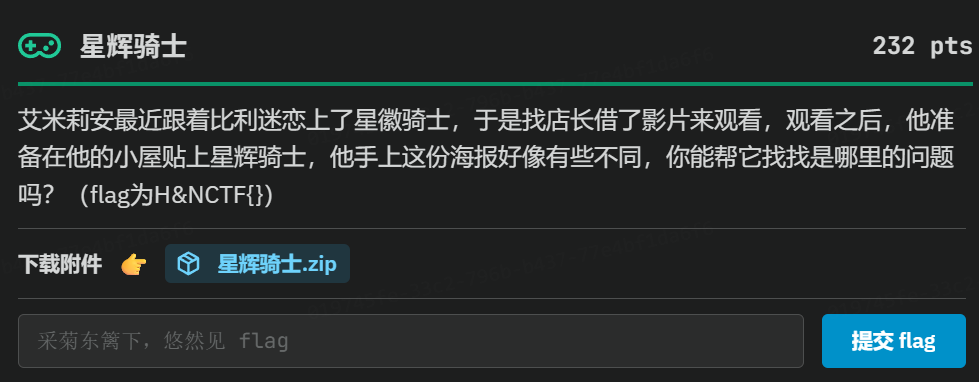
打开是有一张图片的docx,docx格式直接改zip解压
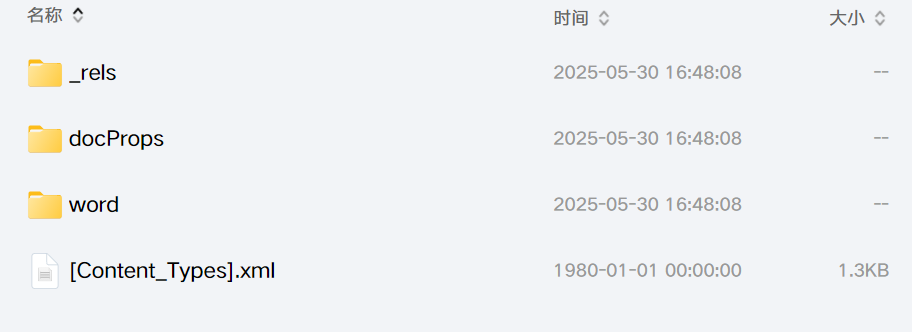
word-media
发现flag.zip 解压要密码 试着是否为伪加密 嗦一下发现是 直接修复了 解压修复之后的 就可以看到10个txt文本 都打开没有什么实际含义(垃圾邮件),看了wp说这是一种加密方式(按顺序放进网站)spammimic - decode
111.txt : ashjdsahd
222.txt: asdjhuasdvghj
333.txt :sdfsdfsfasfwq
444.txt: asdasdadadadwdf
555.txt: flag{this_is_fake_lg}
666.txt: flag{this_is_fake_flg}
777.txt: flag{this_is_fakeg}
888.txt:flag{this_is_fake_flag}�
999.txt:flag{0231265452-you-kn*w-spanmimic}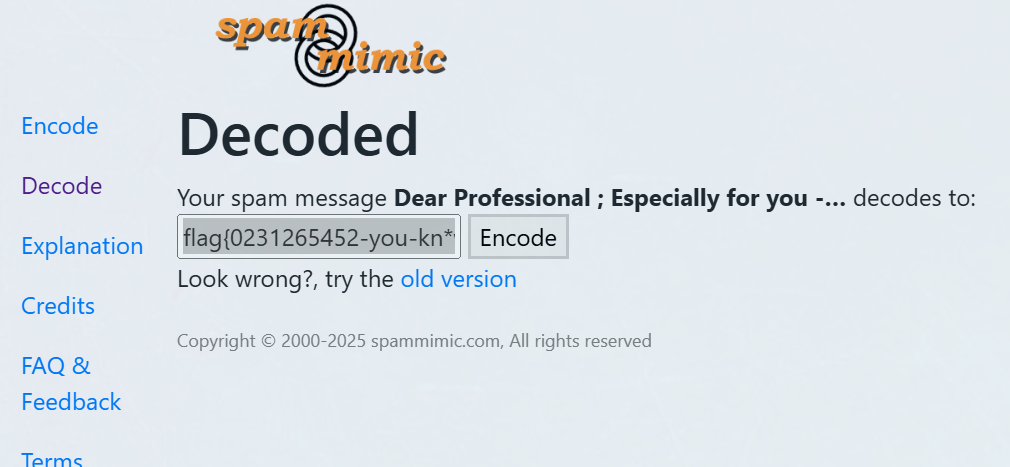
misc6芙宁娜的照片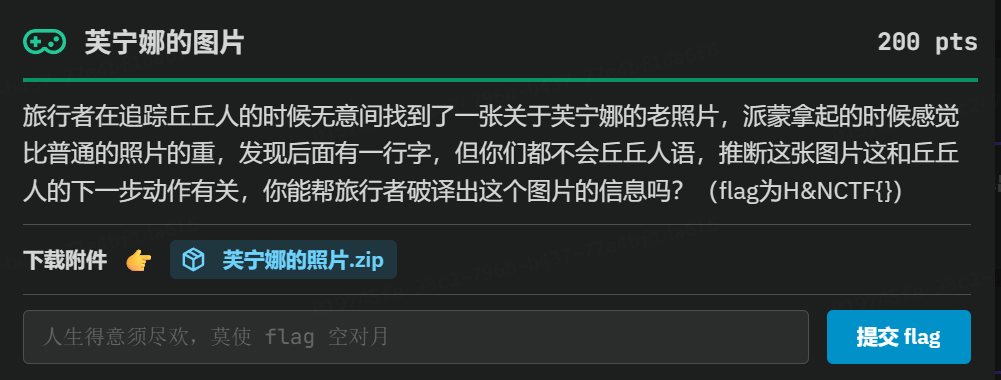
Brainfuck加密Brainfuck/OoK加密解密 - Bugku CTF平台
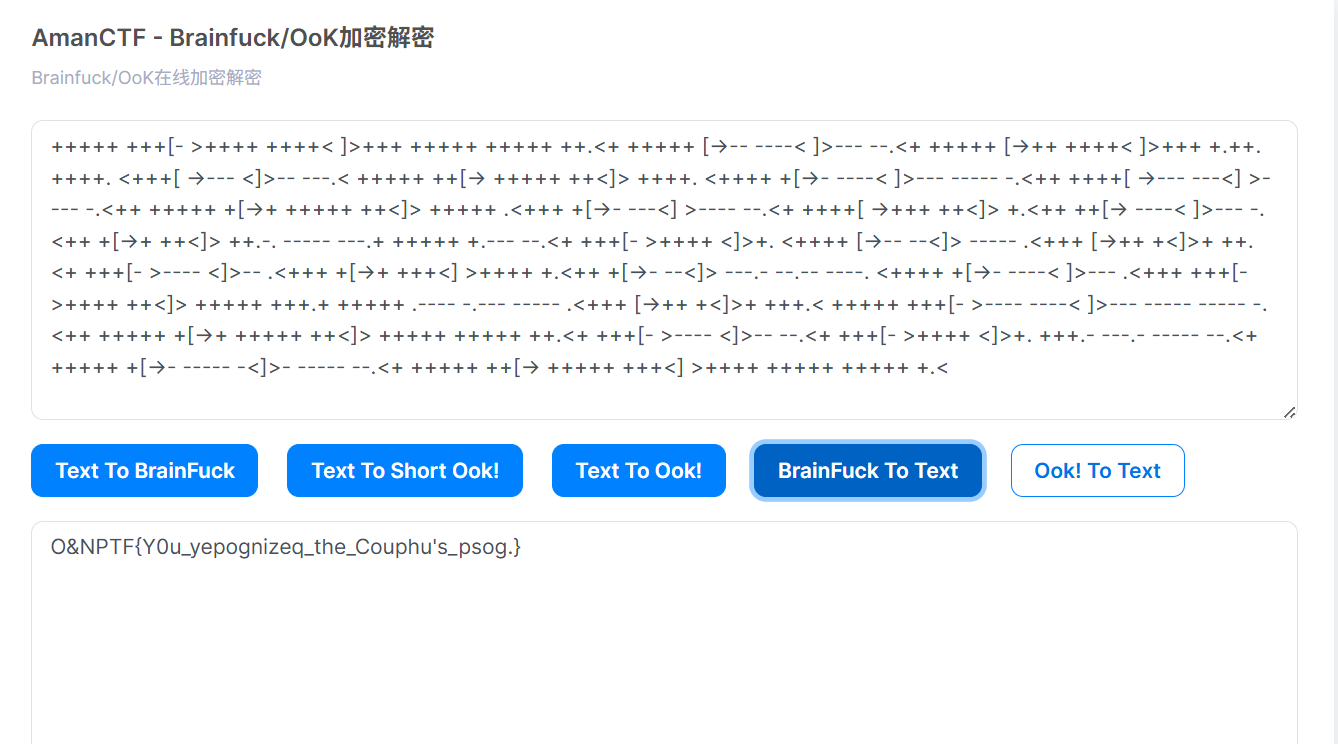
O&NPTF{Y0u_yepognizeq_the_Couphu's_psog.}
雏形已经出来了
图片梭一把 发现RGB那里有key:H&N2025
有密钥且不改变明文长度的加密方式-试维吉尼亚维吉尼亚加密/解密 - Bugku CTF平台
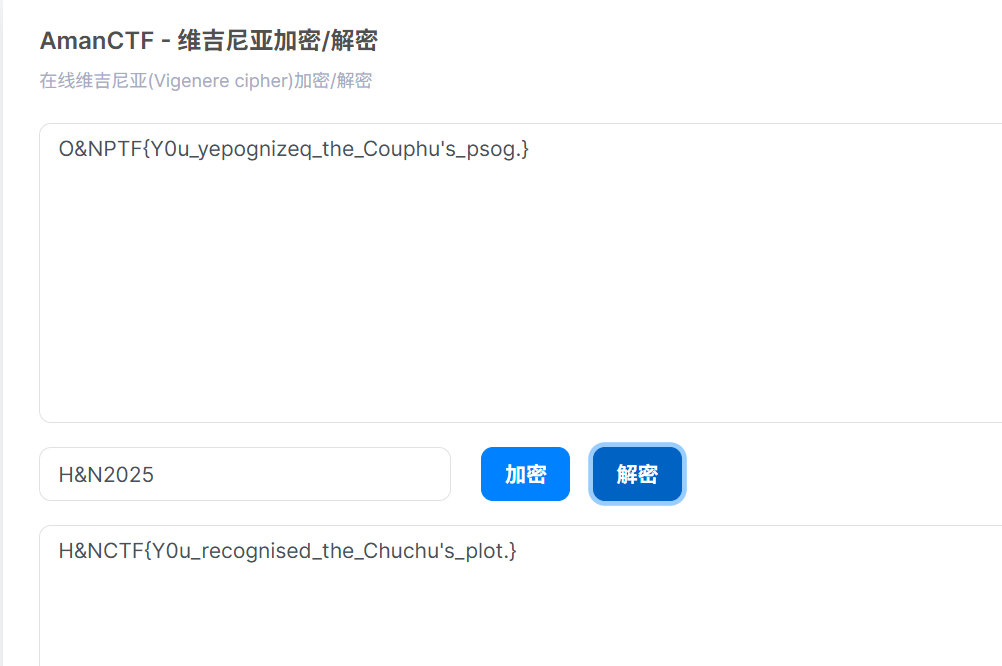
H&NCTF{Y0u_recognised_the_Chuchu's_plot.}
CRYPTO5哈基coke
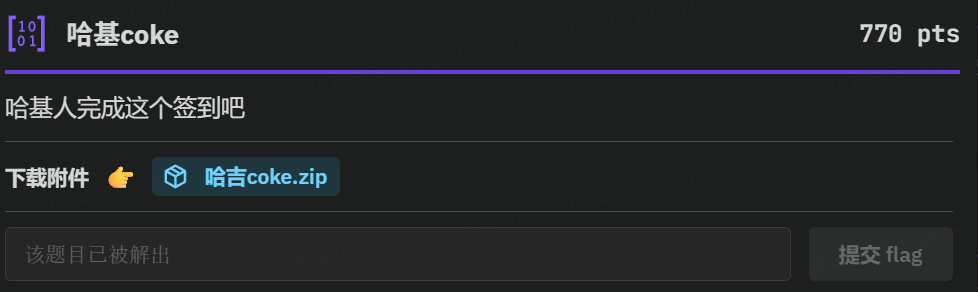
题目打开是python代码和一张en_flag.png 说明该图片经过加密
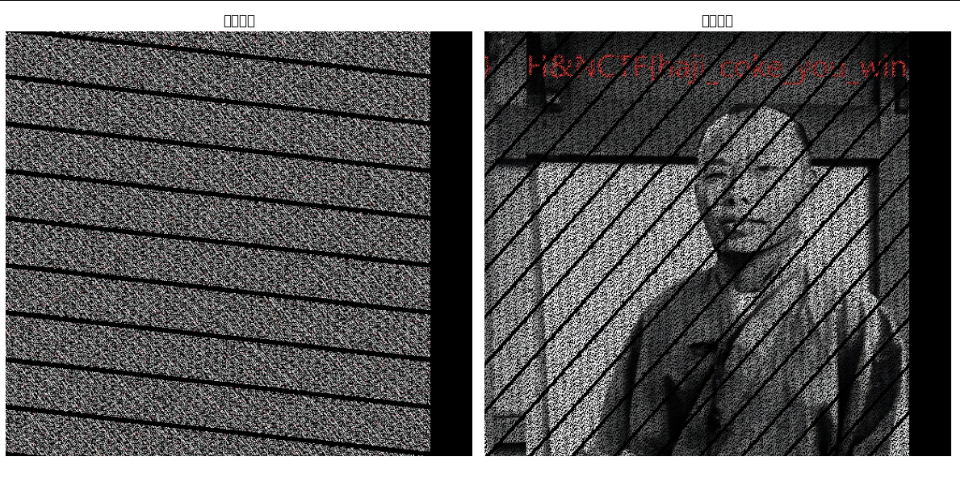
写一个脚本把他还原一下
import cv2
import numpy as np
from PIL import Image
import matplotlib.pyplot as plt
def arnold_decode(encrypted_image, shuffle_times, a, b):
""" Arnold逆变换解密图像
Args:
encrypted_image: 加密后的图像
shuffle_times: 加密时的置乱次数
a, b: Arnold变换参数
Returns:
decrypted_image: 解密后的图像
"""
decrypted_image = np.zeros_like(encrypted_image)
h, w = encrypted_image.shape[0], encrypted_image.shape[1]
N = h # 假设图像为正方形
# 计算逆变换参数
# 逆变换公式:
# ori_x = ((a*b+1)*new_x - b*new_y) mod N
# ori_y = (-a*new_x + new_y) mod N
for time in range(shuffle_times):
for new_x in range(h):
for new_y in range(w):
# 应用逆变换公式
ori_x = ((a * b + 1) * new_x - b * new_y) % N
ori_y = (-a * new_x + new_y) % N
# 处理负数情况
if ori_x < 0:
ori_x += N
if ori_y < 0:
ori_y += N
decrypted_image[ori_x, ori_y, :] = encrypted_image[new_x, new_y, :]
encrypted_image = np.copy(decrypted_image)
# 转换为无符号8位整数(OpenCV格式)
decrypted_image = decrypted_image.astype(np.uint8)
cv2.imwrite('de_flag.png', decrypted_image, [int(cv2.IMWRITE_PNG_COMPRESSION), 0])
return decrypted_image
# 读取加密后的图像
encrypted_img = cv2.imread('en_flag.png')
if encrypted_img is None:
print("[!] 无法读取加密图像,请确保en_flag.png存在")
else:
# 执行解密(参数与加密时一致)
decrypted_img = arnold_decode(encrypted_img, shuffle_times=6, a=9, b=1)
# 显示结果
plt.figure(figsize=(12, 6))
plt.subplot(121), plt.imshow(cv2.cvtColor(encrypted_img, cv2.COLOR_BGR2RGB))
plt.title('加密图像'), plt.axis('off')
plt.subplot(122), plt.imshow(cv2.cvtColor(decrypted_img, cv2.COLOR_BGR2RGB))
plt.title('解密图像'), plt.axis('off')
plt.tight_layout()
plt.show()
print("[+] 解密完成,结果保存为de_flag.png")H&NCTF{haji_coke_you_win}

欢迎加入DeepSeek 技术社区。在这里,你可以找到志同道合的朋友,共同探索AI技术的奥秘。
更多推荐



 10
10 0
0- 0


 已为社区贡献1条内容

所有评论(0)