别再为 DeepSeek 安装发愁,这篇教程救你(附百度云下载链接)
模型名称 DeepSeek-R1-Distill-Qwen-14B显卡12G-16G显存。模型名称 DeepSeek-R1-Distill-Qwen-32B显卡24G显存以上。模型名称 DeepSeek-R1-Distill-Qwen-1.5B显卡6G显存以下运行。模型名称 DeepSeek-R1-Distill-Llama-8B显卡8G显存以上。模型名称 DeepSeek-R1-Distill-
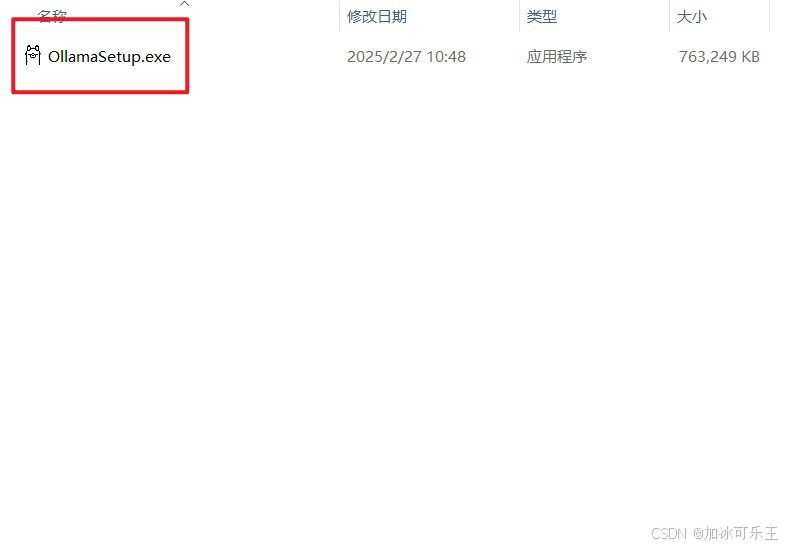
1.鼠标双击运行
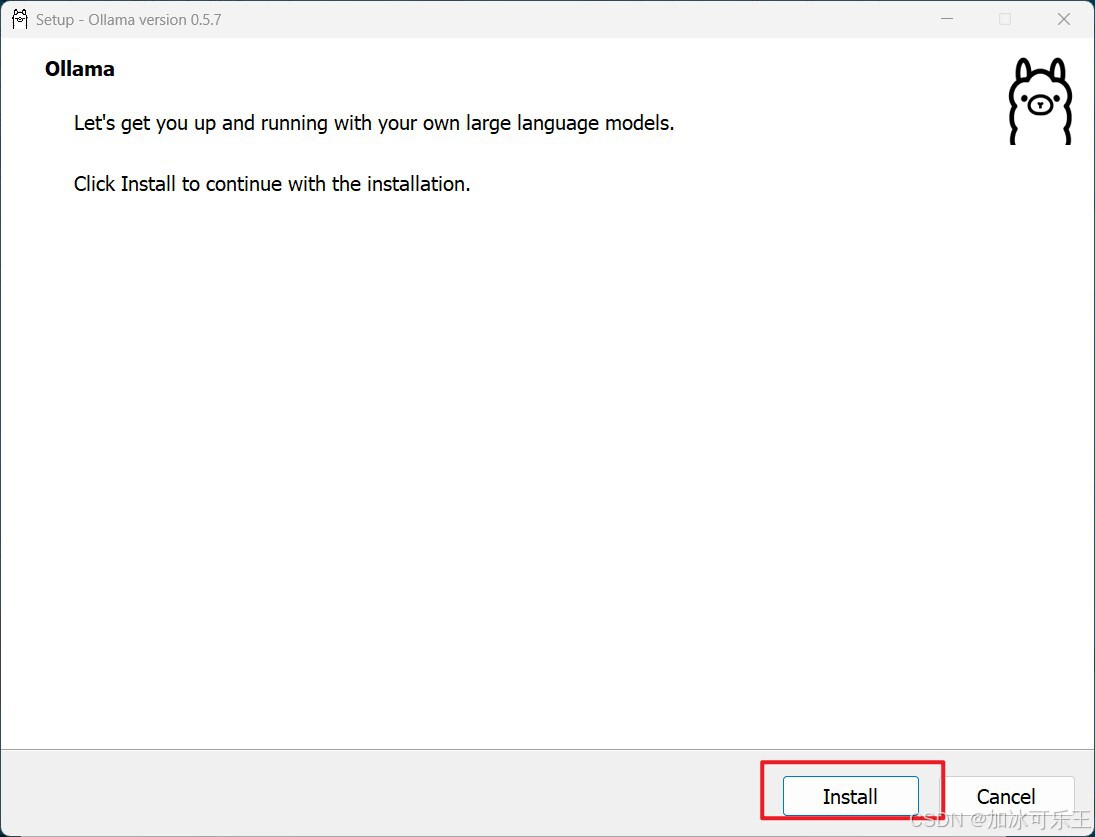
2.点击Install
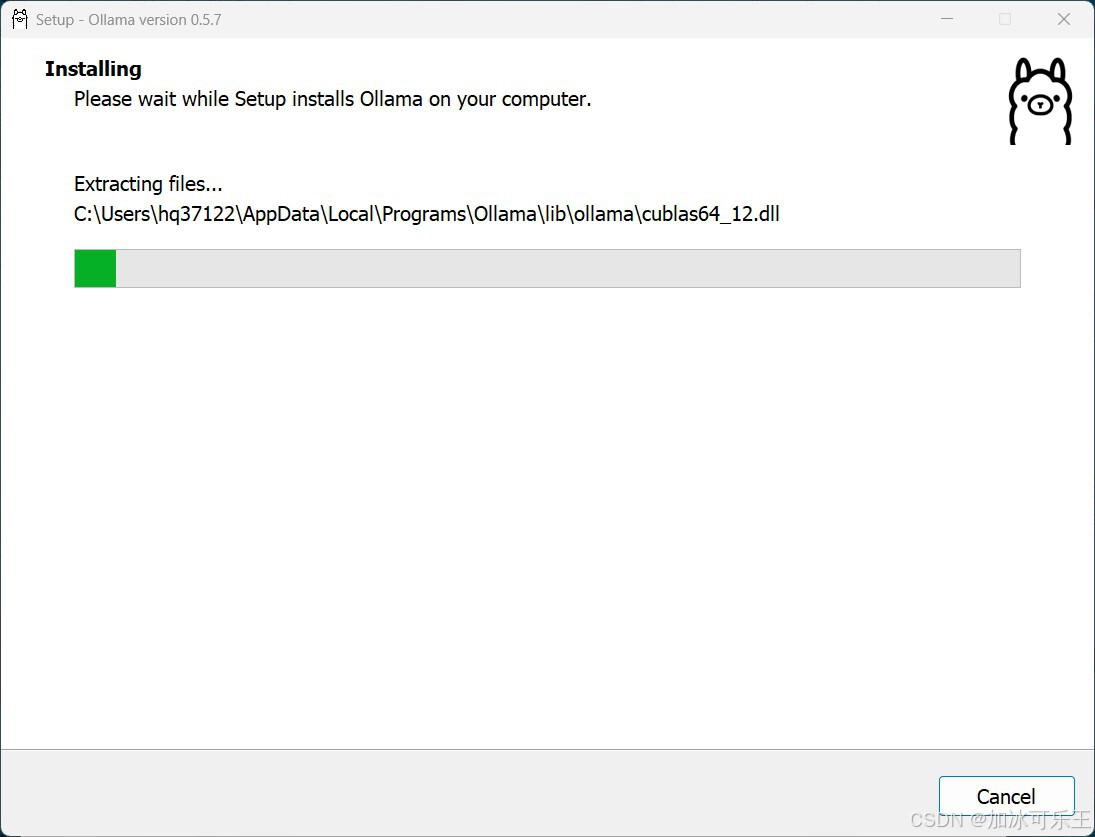
3.安装中
4.打CMD窗口(Win+R键盘弹出框输入cmd即可打开)
模型名称 DeepSeek-R1-Distill-Qwen-1.5B 显卡6G显存以下运行
运行命令 ollama run deepseek-r1:1.5b
模型名称 DeepSeek-R1-Distill-Qwen-7B 显卡8G显存以上
运行命令 ollama run deepseek-r1:7b
模型名称 DeepSeek-R1-Distill-Llama-8B 显卡8G显存以上
运行命令 ollama run deepseek-r1:8b
模型名称 DeepSeek-R1-Distill-Qwen-14B 显卡12G-16G显存
运行命令 ollama run deepseek-r1:14b
模型名称 DeepSeek-R1-Distill-Qwen-32B 显卡24G显存以上
运行命令 ollama run deepseek-r1:32b
模型名称 DeepSeek-R1-Distill-Llama-70B 双14G显存显卡
运行命令 ollama run deepseek-r1:70b
不知道自己显卡型号和显存大小的下载鲁大师
删除把run 改成rm
变更模型下载地址(在环境变量配置使用)
OLLAMA_MODELS G:\deepseek\moxing
输入运行命令点击回车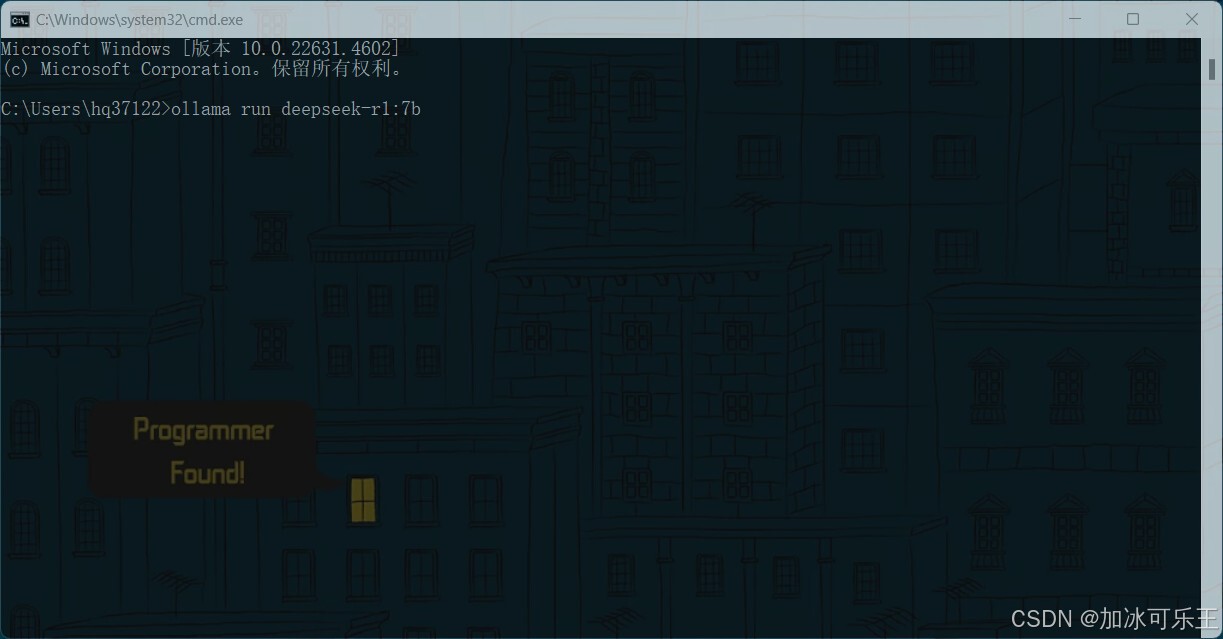
5.下载模型中
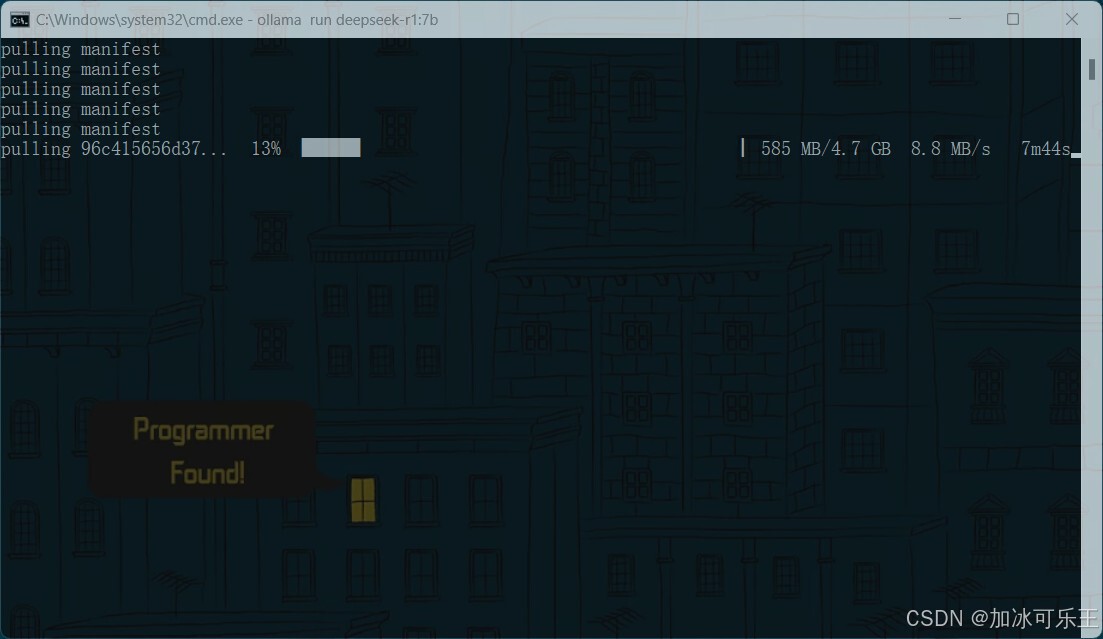
6.显示success说明下载成功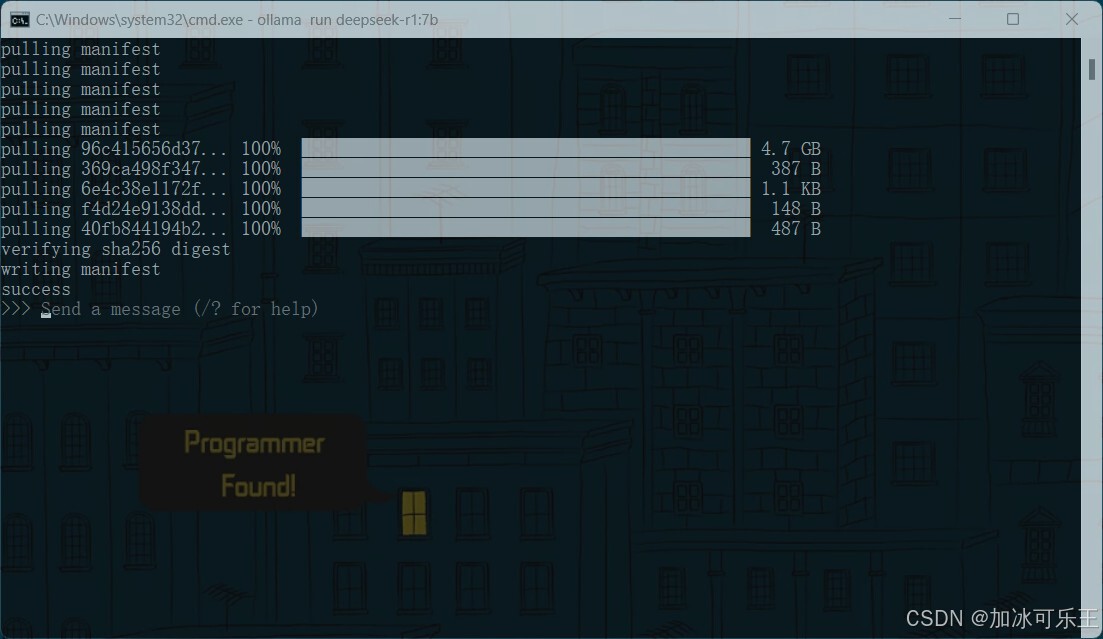
7.就可以在cmd窗口进行使用了
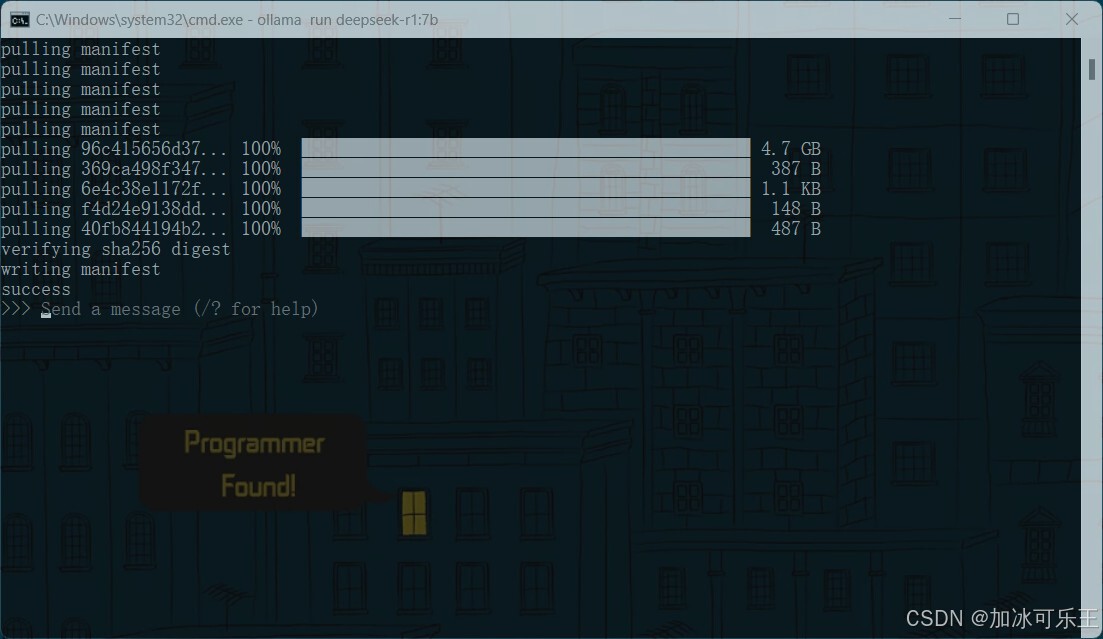
8.使用工具进行对话可以下载安装Chatbox,双击进行安装
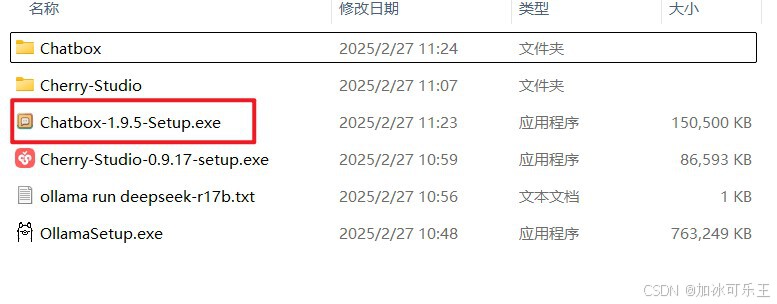
9.点击下一步
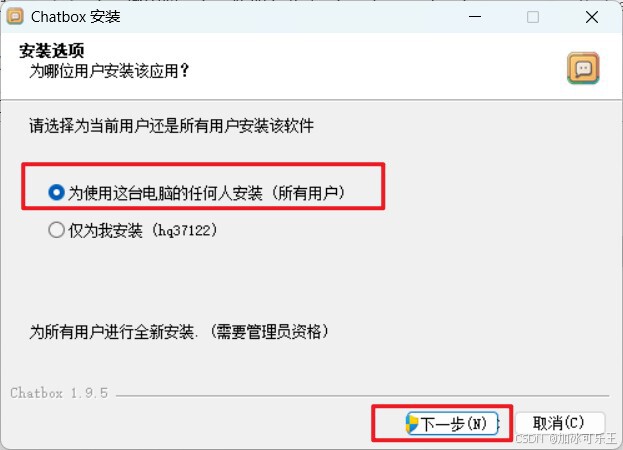
10.选择安装位置点击安装
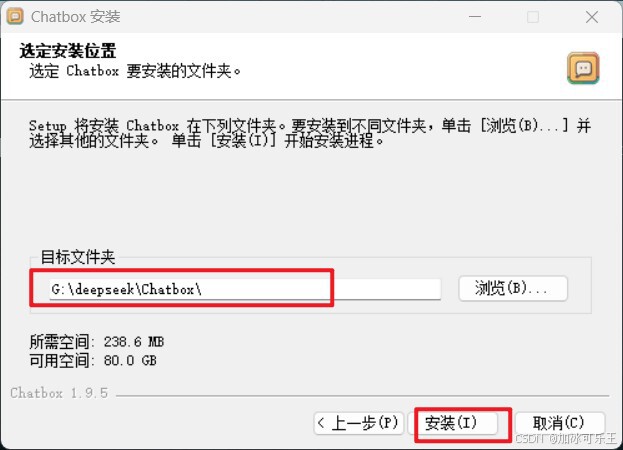
11.点击完成即可
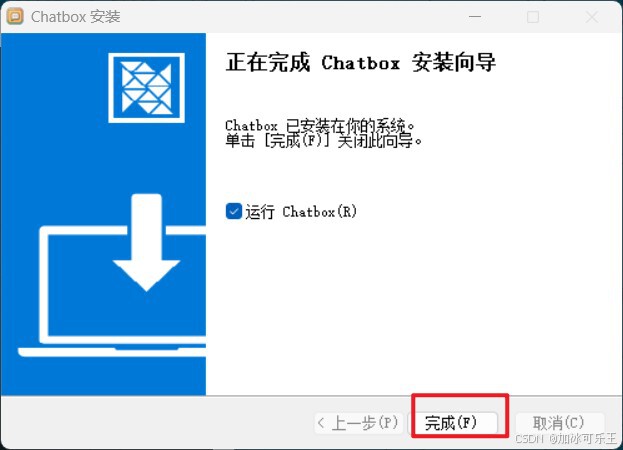
12.点击使用自己本地模型
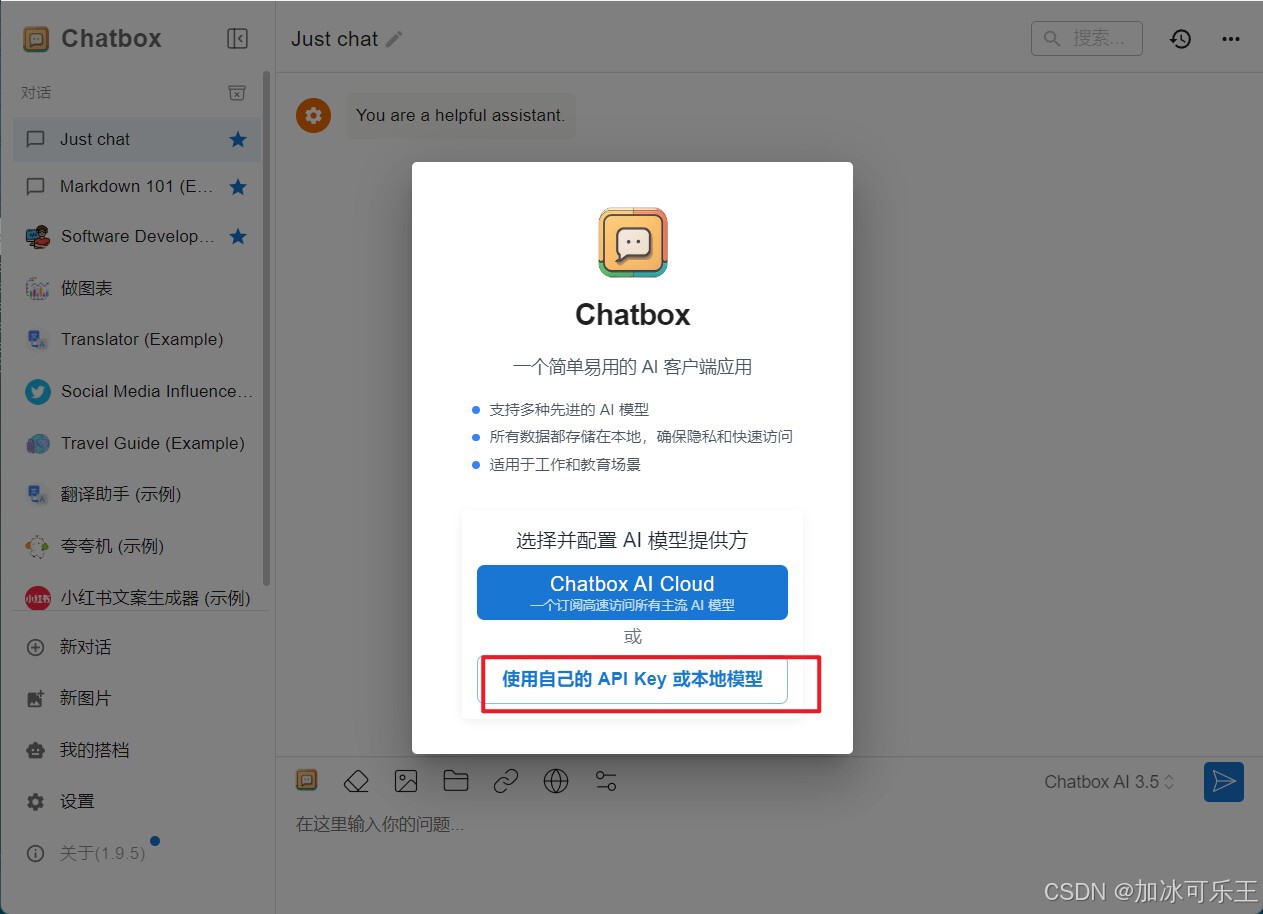
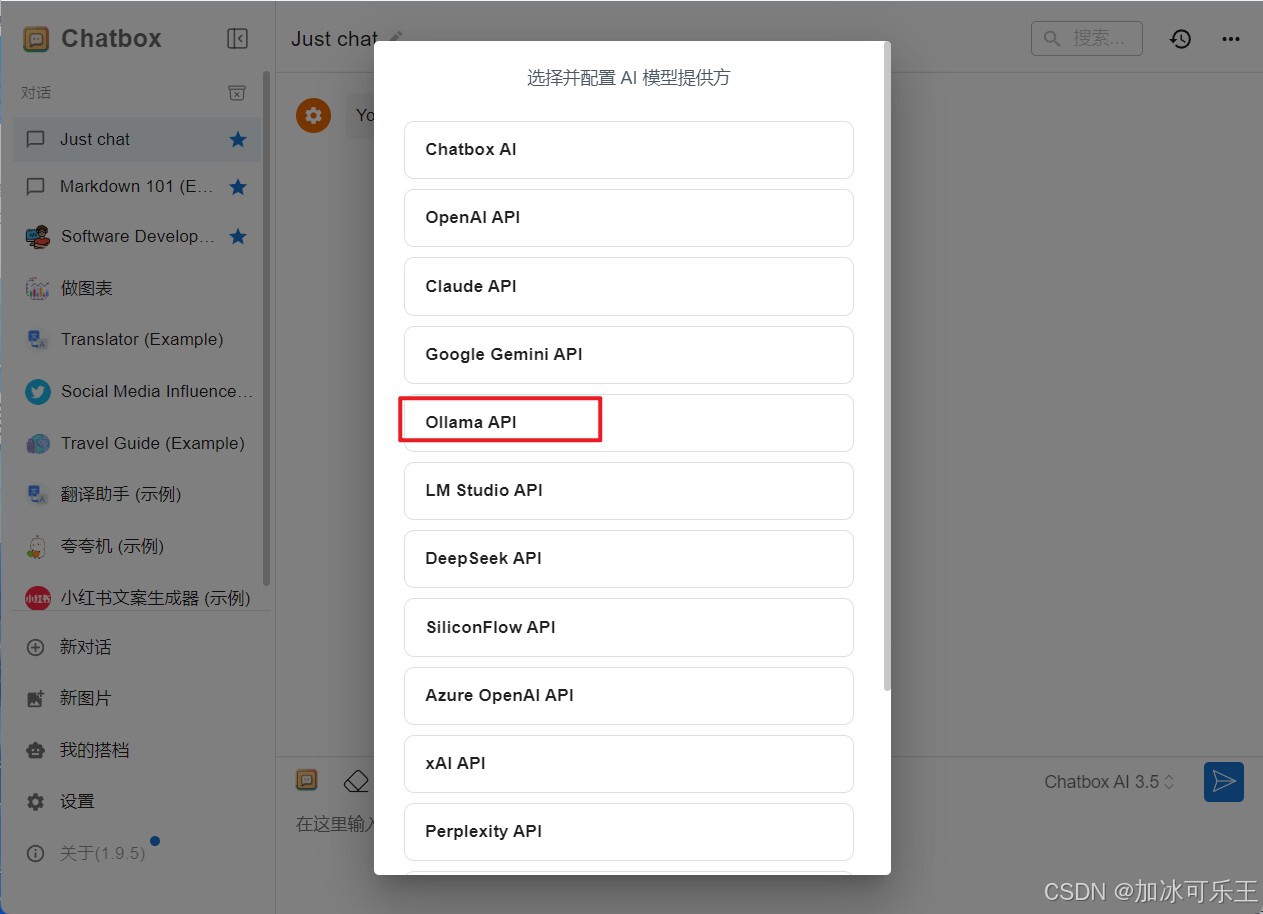
13.选择安装的Ollama API
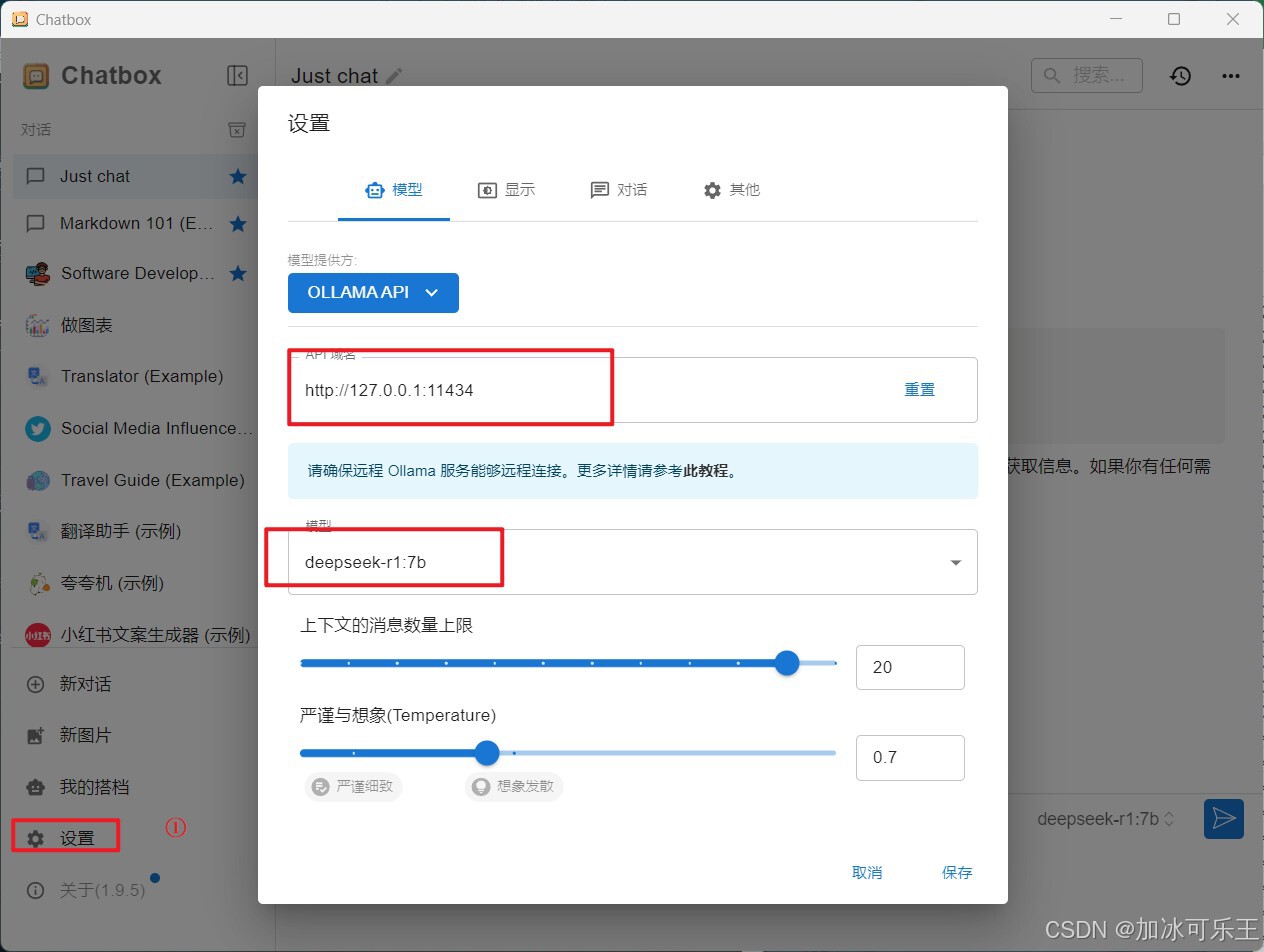
14.选择对应模型保存即可使用
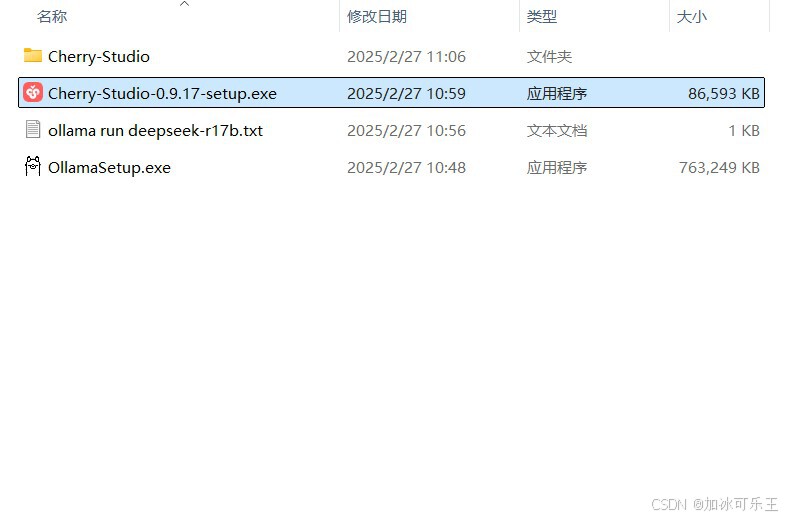
15.如果需要添加本地文件进行训练推荐下载Cherry-Studio安装
16.点击下一步
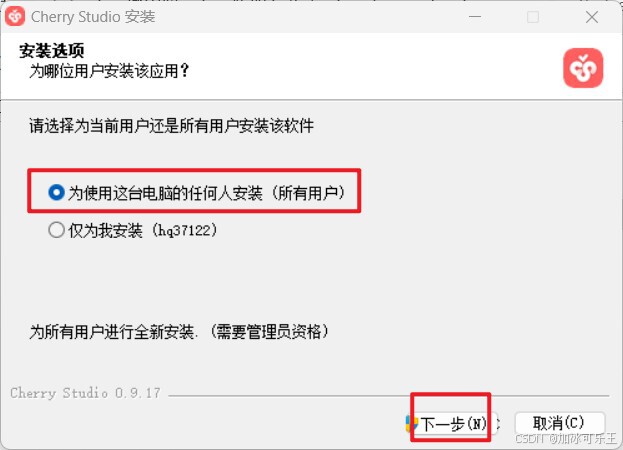
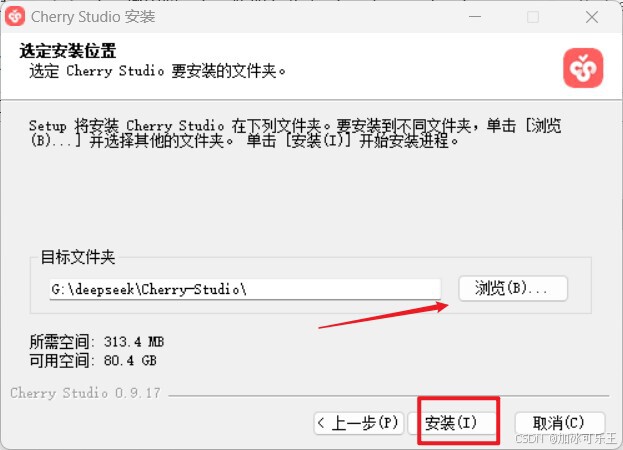
17.选择下载路径,点击安装
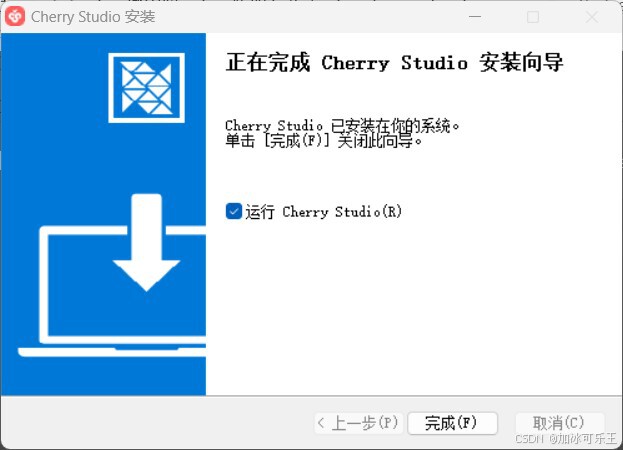
18.点击完成
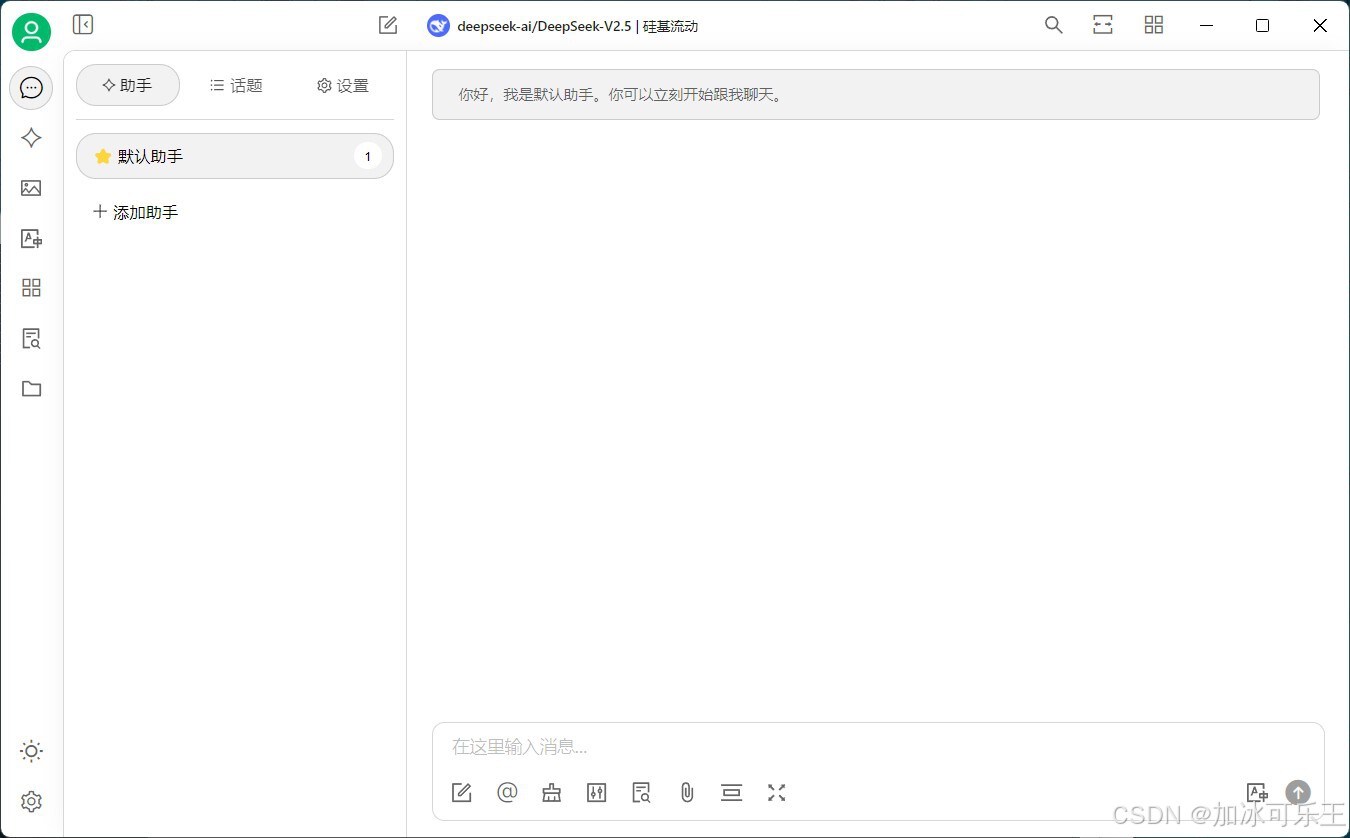
19.界面展示
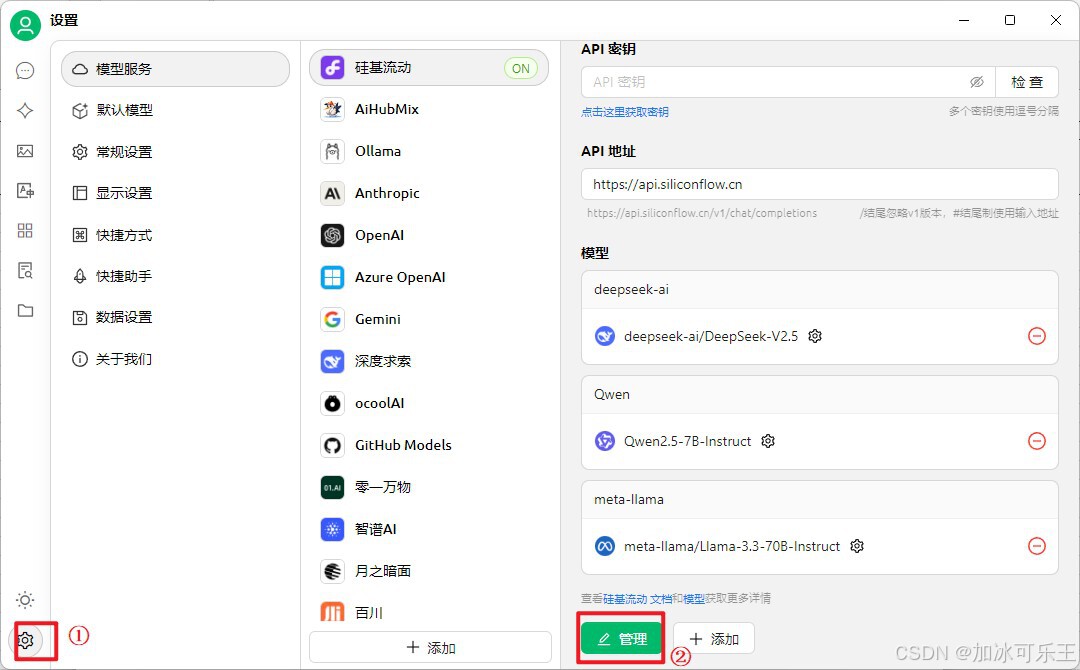
20.添加模型使用吧
通过网盘分享的文件:5508DeepSeek
链接: https://pan.baidu.com/s/1p8rK651HEiyGr-9-sG5X9Q?pwd=JBKL 提取码: JBKL

欢迎加入DeepSeek 技术社区。在这里,你可以找到志同道合的朋友,共同探索AI技术的奥秘。
更多推荐


 10
10 0
0- 0


 已为社区贡献1条内容

所有评论(0)